Should you edit a passport photo or take a new one?
Retake the photo when blur captured by the camera, glare, strong shadows, the wrong background, closed eyes, missing facial detail or a filter affects the source. Do not assume an edit is allowed just because it looks clear. Some official portals perform their own crop or positioning step, while other authorities require the original file without digital changes.
The useful question is not “Can software fix this?” It is “Which authority receives this image, and who is allowed to perform this step?”
Looking natural is not the same as being unedited
An edited photo can look completely believable and still fail an identity document rule. A background replacement can leave the face untouched but change the pixels around the head. A glare repair can reveal an eye that the camera did not record clearly. A red eye fix can change the colour and shape of the eye.
For an official application, the source problem, the authority’s rule and the application workflow together determine the action. The answer can be “retake”, “leave the original alone” or “use the crop control inside the official portal”.
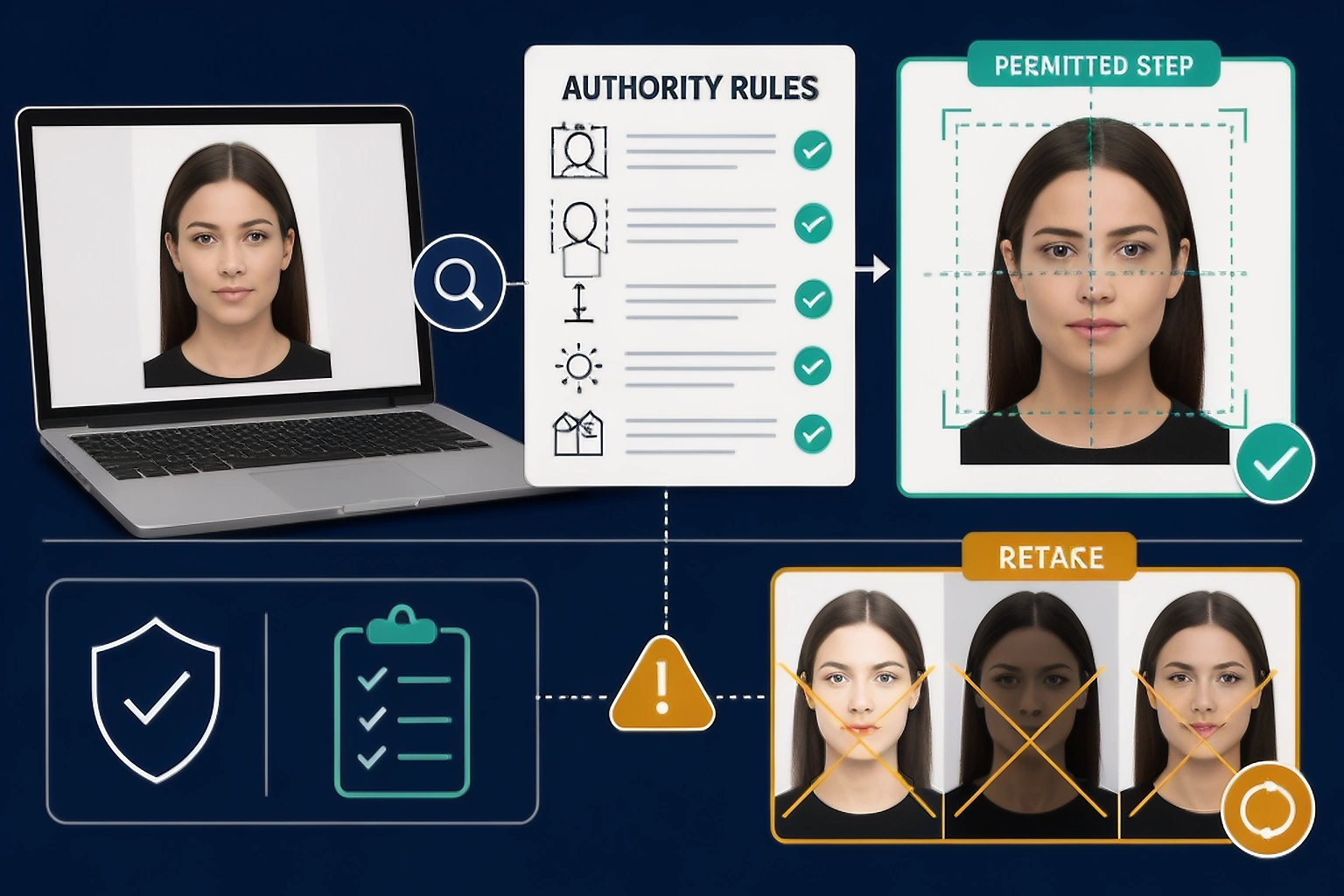
A problem can look fixable without being safe to edit
Use this table as a decision prompt, not as a universal permission list. The same operation can be handled differently by two application routes.
| Source problem | Why it looks fixable | Safer next action |
|---|---|---|
| Red eye | A retouching tool can recolour the pupil | Do not digitally remove it; adjust the flash and retake |
| Wrong background | A cutout can replace the room with white | Fix the physical setup and retake when the authority requires an original |
| Face shadow | Brightness or background tools can hide the shadow | Improve the light and capture a new image |
| Blur | Sharpening can make edges look stronger | Retake; sharpening cannot recover missing information |
| Loose head crop | A crop can bring the face into the frame | Check whether the official portal performs the crop |
The official portal can perform an allowed step
A government application can have access to a crop control that a general purpose editor should not treat as a blanket permission. The U.S. online renewal flow lets the applicant reposition or crop the uploaded photo, then performs a basic check before an employee reviews it. That permission belongs to that application flow.
UK instructions go in a different direction: do not crop a photo taken on your own device because the passport service handles the crop. Before you crop, ask “who performs this step?” The answer can be the difference between an allowed workflow and an altered source.
Retake when the camera captured the problem
Start again when the source itself is weak. A new capture gives the authority a real record of the person under the required conditions and gives the checker a clearer image to inspect.
- The face or eyes are blurry, soft or heavily compressed.
- Glare, hair or an object hides a meaningful part of the face.
- Shadows or the background fail because of the physical setup.
- A filter, AI edit or previous retouching has changed the source.
Most of the time, a retake is faster than trying several repairs on a file that does not contain enough truthful detail.
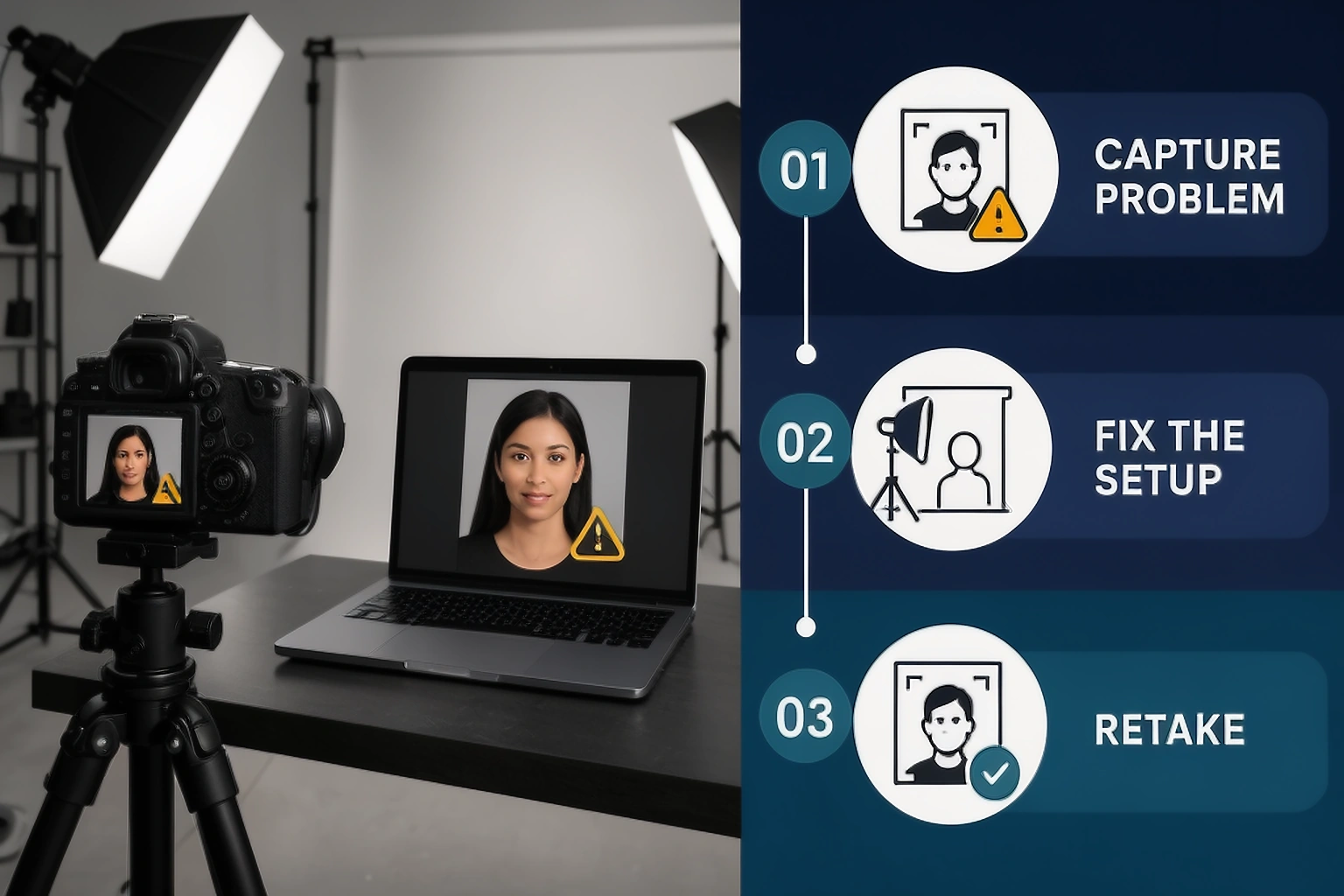
Red eye is a retake signal, not a retouching task
Red eye is easy to remove in a normal portrait, which makes it a useful example of the boundary. The U.S. Department of State says not to use editing tools to cover red eye because the change affects natural eye colour and shape. Canada also lists red eye alterations among unacceptable changes.
Turn off the flash or change the light position, keep the subject at the correct distance and take another frame. The new image solves the capture problem without creating a digital explanation for what the eye should have looked like.
A background tool cannot create a universal passport exception
If the wall is patterned, dark or casting a shadow, the strongest solution is to change the room setup before taking the photo. The current U.S. guidance says to fix the lighting and background and take a new photo. Canada’s passport guidance treats changing the background or removing shadows as an alteration.
Cropping is where application workflows differ most
Crop language needs context. The U.S. online renewal page says you can reposition or crop after uploading. UK guidance says not to crop your own device photo because the application does it. Canada’s digital passport specification requires the file to come directly from the original camera file and says cropping around the head and shoulders is an alteration.
Keep more of the original frame when you are unsure. Then read the live upload instructions before exporting a crop, rather than assuming a general online editor has the same authority as the government portal.
The U.S., UK and Canada do not use one editing rule
| Route | Original and editing rule | Crop or capture detail |
|---|---|---|
| United States | Submit the original, unedited photo without filters or digital changes; AI edits are rejected | Online renewal lets the applicant reposition or crop after upload |
| United Kingdom | Digital photo must be unedited, with no effects, filters or correction | The passport service handles the crop for a photo taken on the applicant’s device |
| Canada | Photo must be unaltered; guidance lists colour, brightness, contrast, sharpness, background and facial edits | Digital renewal asks for a file saved directly from the original camera file |
These examples are not a worldwide rulebook. Select the exact passport route and application channel before you decide that an edit is allowed.
The checker finds a problem; the authority decides the action
A checker can inspect visible conditions such as blur, face position, background contrast and file properties. It can tell you that the source is off centre or that the face looks unclear. It cannot grant permission to replace a background, remove red eye or rebuild a missing ear.
| Checker finding | Read it as | Next step |
|---|---|---|
| Dimension or file mismatch | A measurable output issue | Use a permitted resizer or export step |
| Face position warning | The composition needs review | Check the official crop workflow before changing the source |
| Blur, glare or hidden detail | The camera did not record a reliable face | Retake the photograph |
| Background warning | The physical or digital background needs scrutiny | Read the authority rule before using a background control |
Passing a tool check is not official approval
The U.S. online renewal flow explains the distinction clearly: the photo tool checks basic requirements, then an employee reviews the photo after the application is received. A green status inside a private tool is one preparation signal, not an officer’s decision.
Keep the authority page open beside the result. If the source instruction is stricter than the tool’s output, follow the source instruction.
A clean source lowers the chance of an avoidable hold
The U.S. Department of State says unacceptable photos are the number one reason it puts passport applications on hold. That is why the capture decision deserves as much attention as the export step. A new, well lit source can remove several uncertain edits at once.
Check the eyes, face edges, background and sharpness before you spend time adjusting pixels.
Three photos can need three different actions
| Photo | Problem | Decision |
|---|---|---|
| U.S. online renewal | Face is clear but the framing leaves extra space | Upload the original and use the official crop control |
| Canadian passport | A shadow crosses the background | Take a new commercial photo with even light |
| U.S. paper application | Flash created red eye | Change the flash setup and retake; do not edit the eye |
The key fact is not the visual appearance alone. It is the combination of the source problem and the rule governing the application.
Technical preparation is different from portrait alteration
File preparation and portrait alteration are not the same thing. A route can give one instruction for file type or file size and a stricter instruction for the pixels showing the person.
| Task | What it changes | How to handle it |
|---|---|---|
| File format | How the image is stored | Use the format listed by the application |
| File size | Compression and delivery weight | Stay inside the published range without destroying detail |
| Crop or position | Which pixels sit inside the frame | Use only the crop workflow the authority permits |
| Face, eyes or background edit | What the camera appears to have recorded | Retake when the authority requires an original |
For example, U.S. online renewal lists a 54 KB to 10 MB range while also requiring an original, unedited photo. A file size requirement does not cancel the editing rule.
A damaged copy is not a stronger original
Do not text the photo to yourself, photograph a printed copy or scan a physical photo and treat that result as the master. The U.S. guidance warns against photographed or scanned physical photos, and repeated messaging app compression can reduce clarity around the eyes and hairline.
Return to the original camera file. If the original is unavailable and the copy is visibly soft, a new capture is more honest than a sharpening pass.
Significant appearance changes need a separate check
Everyday changes such as a normal haircut, beard growth or age do not automatically mean the same photo rule applies. In many cases, the question is whether the photo still shows the person as they look now and whether the application’s recency rule is met.
Significant surgery, facial trauma, new piercings or tattoos, or a substantial change in appearance can trigger a new photo or replacement question. Check the current authority wording instead of guessing from a previous application.
AI editing needs its own boundary
Do not use AI to reconstruct eyes, hair, ears, skin, an expression or a background for an official passport image when the authority requires an original. The U.S. guidance explicitly says not to change the photo with software, apps, filters or AI and says it checks photos for AI use. Canada also includes AI tools in its alteration rule, while UK digital guidance requires an unedited photo with no correction.
AI can still help you understand a warning or decide to retake. Guidance is not the same job as changing the submitted pixels.
Compare any permitted output with the original
Place the final candidate beside the untouched source and inspect the eyes, face outline, hairline, skin tone, expression and background. The final file should remain recognisably the same capture, apart from the specific operation the authority permits.
If you cannot explain what changed and why the route allows it, do not submit that version.
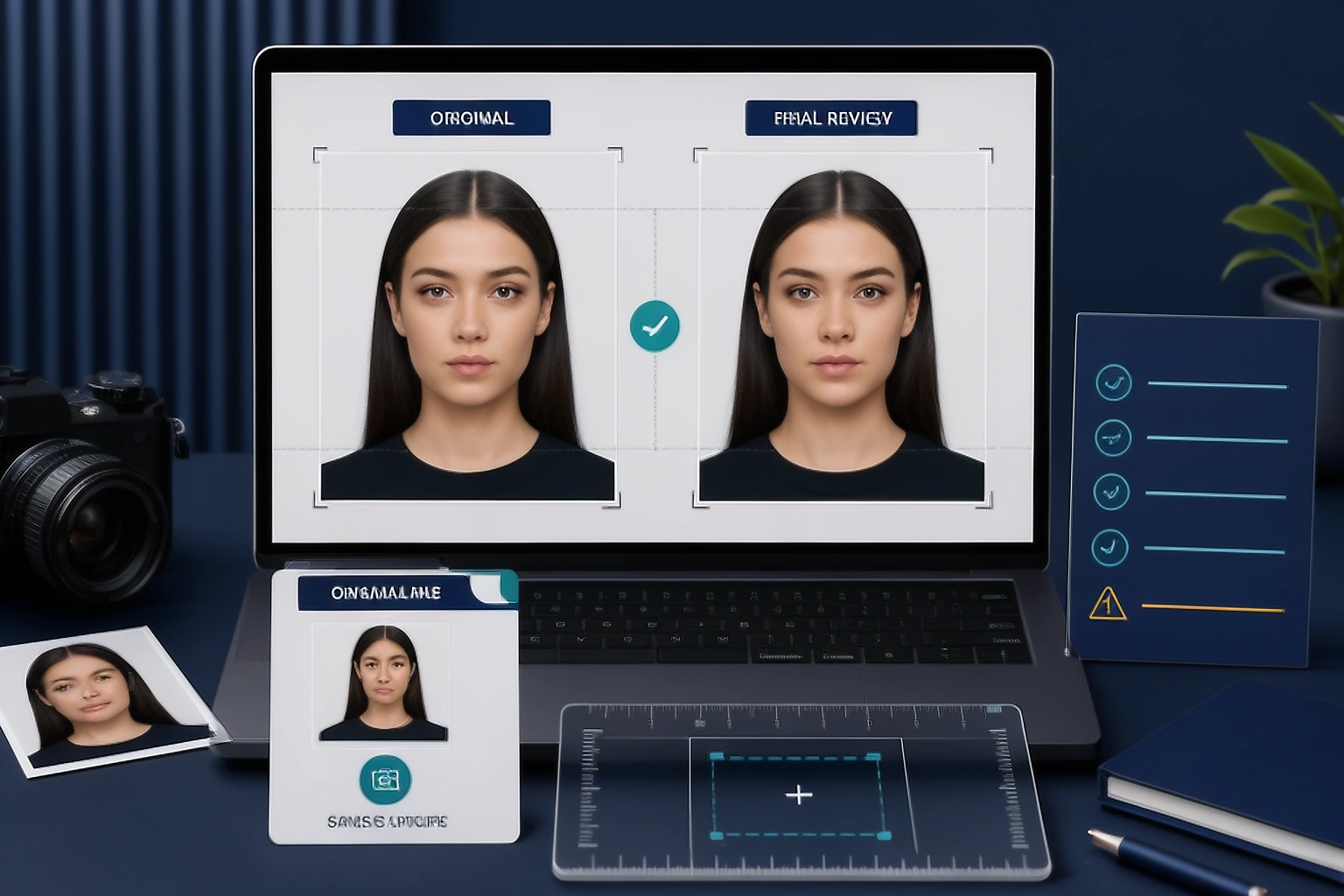
Keep the untouched source until official review
Save the original camera file separately from any prepared export. This gives you a clean fallback if the application changes its crop request, a portal rejects the export or you discover that an edit was not permitted.
After the application is complete, follow your own storage and deletion plan. Until then, keep the source, the submitted file and the authority instructions clearly labelled.
sometimes asked questions
Can I replace a passport photo background online?
Do not assume it is allowed. The U.S. Department of State says to fix the lighting or background and take a new photo, while Canada says changing the background, including removing shadows, is an alteration. Check the authority for your application before using a background tool.
Can I brighten a dark passport photo?
It depends on the authority and route. Canada lists colour, brightness, contrast and sharpness changes as alterations. A U.S. application should start with an original, unedited photo, so correcting the lighting at capture time is the safer route.
Can I crop a passport photo myself?
Cropping is workflow specific. The U.S. online renewal application lets you reposition and crop after upload, the UK tells applicants not to crop a photo taken on their your own device, and Canada requires an unaltered file. Follow the exact portal instructions.
Can I remove red eye from a passport photo?
The U.S. guidance says not to cover red eye with editing tools because that changes the natural eye colour and shape. Adjust or turn off the flash and take another photo.
Can AI fix a passport photo?
Not where the authority requires an original, unedited photo. The U.S. and Canada expressly include AI tools in their alteration warnings, and the UK says digital photos must be unedited with no corrections.
When should I definitely retake the photo?
Retake it when blur, glare, closed eyes, a hidden face edge, strong shadows, a wrong background or a filter changes what the camera recorded. A new capture removes the uncertainty instead of asking software to guess.
PassportPhotoBox treats a retake as a useful result
A cleaner photo is not always a more acceptable photo. PassportPhotoBox should identify the issue, explain the risk and point you to the next action instead of pushing every source through another edit.
| Finding | Recommended action |
|---|---|
| Blur, red eye or wrong background | Retake the source photo |
| AI, filter or previous retouching detected | Return to the original, unedited file |
| Loose framing in a route with official crop | Use the authority’s crop control |
| Permitted format or file size issue | Use a technical export step |
Start with the passport photo checker for a second review, then confirm the result against the live authority instructions.
Check the source before you edit it
Upload the original to review measurable issues and decide whether the next step is a permitted export or a fresh capture.
Official guidance checked for this article
Rules and privacy principles can change by country, application route and product feature. Use these links as the starting point, then open the current page for the exact submission or processing decision.