Template breadth can speed up a crop; structured output control helps when the application has several files.
IDPhotoDIY can fit a quick job led by a template with a background option and printable output. PassportPhotoBox is designed for preparation led by the requirement, measurable exports and separate workflows for supporting files.
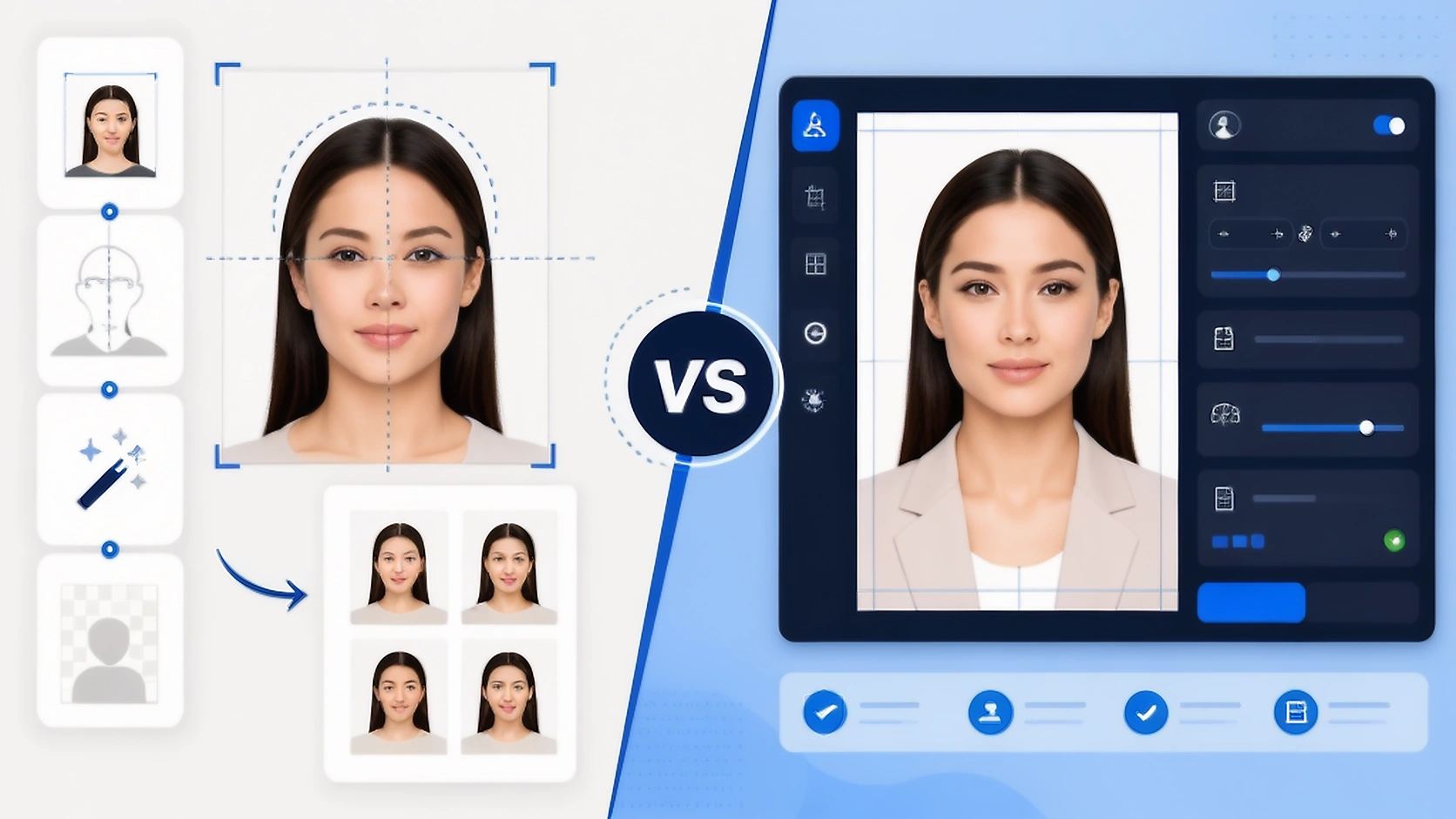
Compare the workflow before comparing the headline
The table focuses on how the source becomes the final digital or printed file, and what remains your responsibility.
| Decision point | PassportPhotoBox | IDPhotoDIY |
|---|---|---|
| Starting point | Choose the requirement, then work in the editor | Choose a country template and place the source photo |
| Crop workflow | Set the output and review framing against the requirement | Automatic face detection with crop positioning assistance |
| Background | Keep appearance changes within the authority's current rules | Background replacement is described as a public feature |
| Output | Digital export, compression controls and supported print sheets | Digital photo and 4R printable output described publicly |
| Template coverage | Country profiles plus workflows for preparing application files | Broad country and visa template coverage described publicly |
| Human review | No acceptance decision by a person; you review the result | Not clearly stated on the public page |
| Supporting files | Dedicated tools for signatures, thumb impressions and documents | Not a core workflow for supporting files shown publicly |
Source note: IDPhotoDIY's official public workflow. IDPhotoDIY's public workflow describes face detection, crop assistance, background replacement, country templates and 4R printable output. A human review service is not clearly stated on the public page. Features and terms can change.
Start with the job you need to finish
A guided photo service, a quick template or an editor that begins with the requirement can each be sensible. Choose based on the final handoff and the amount of control the application requires.
PassportPhotoBox fits when…
You need a transparent output workflow, several application assets or a closer check of the final file.
- You need to meet a strict digital range for file size.
- The application asks for a portrait plus signatures or documents.
- You want the original and export settings available for comparison.
- You need to repeat the output for more than one application route.
IDPhotoDIY fits when…
A led by a template crop and background option are more important than a wider application workspace.
- You want a fast starting point based on a country template.
- Automatic face detection helps position the source.
- You need a digital photo or 4R print sheet.
- You are prepared to verify the current authority guidance yourself.
Core Workflow Differences
IDPhotoDIY is built around a quick template workflow with automatic face detection, crop positioning, background replacement and printable output. PassportPhotoBox is built around understanding the requirement first and then keeping the source, canvas, file size and export decisions connected in one editor.
A broad template catalogue helps only when the selected template matches the actual document and route. A controlled editor helps when the same source must become a digital file, a print sheet and additional application images with different specifications.
What IDPhotoDIY Does Well
The public site describes automatic face detection and crop assistance, background replacement, templates for individual countries and 4R printable output alongside a digital photo option. It promotes broad template coverage, while a human review service is not clearly stated on the public page.
Background replacement can be useful for a permitted plain backdrop, but it should not be used to hide a weak source or change the person's appearance. The current authority guidance decides whether that processing is allowed.
Where PassportPhotoBox Gives You More Control
PassportPhotoBox separates technical preparation from edits that change appearance. You can work with crop and framing, set the required dimensions, manage compression and prepare print output while reviewing the result against the selected requirement. Separate tools handle signatures, thumb impressions and supporting documents instead of treating them as different versions of a passport photo.
This makes the workflow more explicit, but no editor can replace a retake when the original has blur, closed eyes or missing detail. The safest official result is an accurate source with only the changes the application allows.
Final Verdict & Recommendation
IDPhotoDIY fits straightforward DIY template crops with background replacement. PassportPhotoBox is the choice for strict technical compliance and multi-file workflows.
IDPhotoDIY can fit when a template, background option and printable sheet are the main needs. PassportPhotoBox can fit when you need to explain and control the final file, prepare several assets or preserve a clear record of the original and export settings.
Before submission, compare the output with the authority's current notice and the live portal fields. A correctly sized image can still be the wrong file if the application expects a different capture method or format.
Open the EditorWhichever service you use, start with a usable source photograph. Software cannot recover all the detail lost in a heavily blurred or incomplete portrait, so taking another photograph can be safer than forcing a poor source through additional processing.
Common questions about PassportPhotoBox and IDPhotoDIY
How does IDPhotoDIY differ from PassportPhotoBox?
IDPhotoDIY is oriented around quick template cropping and background replacement. PassportPhotoBox emphasizes requirement-driven presets, strict digital compliance (pixels and KB limits), and comprehensive multi-file workflows.
Is background replacement safe for official passports?
Background adjustments are permissible only when done cleanly and within the rules of the receiving government authority. PassportPhotoBox preserves natural face and hair boundaries without artificial alteration.
Open the PassportPhotoBox editor
Choose the requirement first, then crop, check and export the result.