PhotoAiD takes over more of the preparation
With PhotoAiD, the portrait moves into a managed service flow. Its current public process describes automatic checks followed by cropping, resizing and background preparation for the selected document. Human expert verification can then form part of the paid order, depending on the document and checkout route.
PassportPhotoBox keeps more of those decisions visible instead. The person preparing the application can inspect dimensions and compression rather than treating the generated photograph as the end of the job. That difference is small when all you need is one ordinary passport photo, but it becomes much more useful when the receiving portal has its own technical upload limits.
What actually changes during the job
The useful differences appear after the portrait is uploaded. One service handles more of the checking and delivery for you, while the other gives you more room to prepare the files around the application itself.
| Decision point | PassportPhotoBox | PhotoAiD |
|---|---|---|
| After you upload | The photograph opens into a preparation workflow where dimensions, crop and file size can remain visible before export. | The portrait enters an automated preparation flow for the selected document. |
| Automatic preparation | You can use the available preparation and checking tools while keeping direct control over the finished output. | PhotoAiD describes automatic cropping, resizing and background preparation, along with checks involving framing and lighting. |
| Review by a person | The final inspection remains with you. PassportPhotoBox does not provide a government acceptance decision. | Human expert verification is part of PhotoAiD's service offering. The exact order flow can depend on the selected document or region. |
| If an authority rejects the photo | There is no authority acceptance decision built into the editor, so the finished photograph should be checked against the current application rules before submission. | PhotoAiD currently advertises a 200% acceptance guarantee for eligible paid photographs, subject to its service conditions. |
| Digital result | The prepared digital file can be inspected and exported according to the available output controls. | An approved digital photograph can be downloaded through PhotoAiD's service and can also be delivered through the order flow described by the provider. |
| When you need prints | You can prepare a print sheet and use the file with your own suitable printing route. | PhotoAiD offers printable templates and physical print delivery in supported markets or checkout routes. |
| Files beyond the portrait | Dedicated tools can prepare a signature, thumb impression or another supported application image separately. | The public PhotoAiD workflow reviewed here is centred primarily on the identity photograph rather than a collection of separate application uploads. |
| Who handles more of the preparation | You make more of the file decisions yourself and can inspect the output before using it. | The service handles more of the photo preparation and can add human review before delivery. |
Source check: PhotoAiD currently describes automatic photo preparation, expert verification, digital delivery, printable templates and physical print delivery in supported workflows. Its How It Works information also advertises a 200% acceptance guarantee for eligible paid photos. The exact service path can differ by document or region, so this comparison does not assume that every option appears in every checkout. PhotoAiD official public workflow · How PhotoAiD works
The guarantee changes what you are paying for
PhotoAiD is not simply selling access to an automatic cropper. Its current service combines software preparation with expert verification and advertises a 200% acceptance guarantee for eligible paid photographs. PhotoAiD describes that guarantee as returning the purchase price and an additional amount equal to what was paid if an authority rejects the covered photograph.
That is a genuine advantage for someone who wants a managed passport photo service. The guarantee does not mean that PhotoAiD becomes the approving authority, and it does not remove the need to provide a suitable source portrait. Its value is financial reassurance after using the paid service, rather than extra control over the dimensions or supporting files in the application.
Some passport routes leave very little room for correction
PhotoAiD's general How It Works information describes several small corrections that its experts can make, including treatment of temporary blemishes, isolated stray hairs and some shadows around the eyes. Those options should not be treated as acceptable for every passport or visa application because the rules are set by the authority receiving the photograph.
The United States Department of State currently tells passport applicants not to change their photographs with software, phone applications, filters or artificial intelligence. HM Passport Office also requires United Kingdom digital passport photos to be unedited. For a route with rules like these, the safer choice is to use a source photograph that already meets the appearance requirements and limit processing to what that authority expressly permits.
This applies to both services. A correction being technically available does not automatically make it suitable for the document being prepared.
Authority examples checked: U.S. Department of State and HM Passport Office, 31 August 2026.
PassportPhotoBox becomes more useful when the portal gives you numbers
A passport office often describes the photograph by physical dimensions, but many online forms add another layer of requirements. A recruitment portal or examination form may ask for a particular pixel size and place its own limit on the uploaded file. In that situation, being able to inspect the final dimensions and compression is more useful than receiving a single prepared portrait and treating the job as finished.
The same idea applies when the form asks for another image. A signature or thumb impression is not simply a smaller passport photo, so it needs its own preparation path. PassportPhotoBox has dedicated tools for those files, which makes the workflow more practical when several uploads have to be completed together.
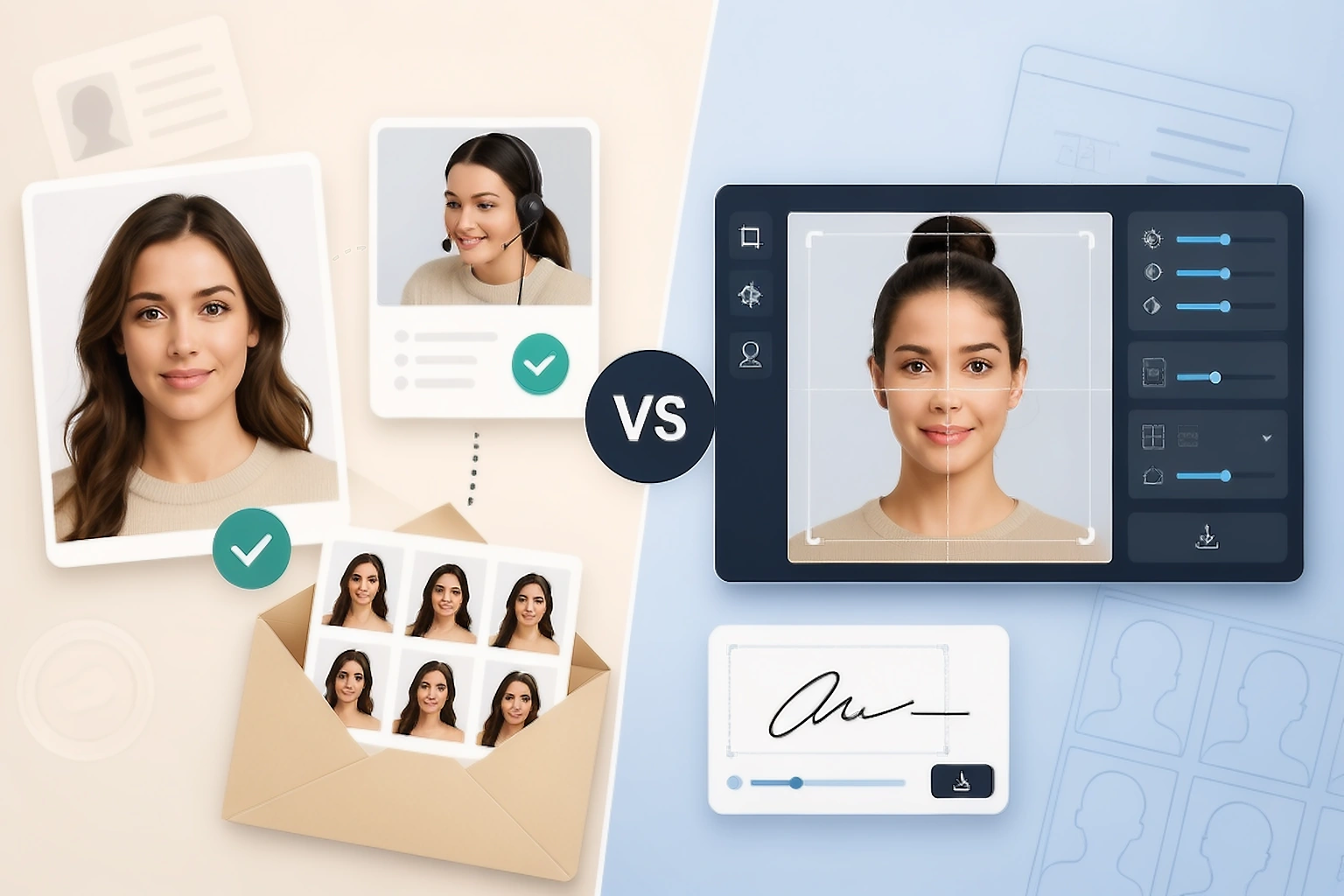
The easier choice changes with the application
You only need one passport photo
Imagine that the photograph is the only file left in your application and you would rather have the preparation checked before using it. You are not interested in adjusting compression or creating another supporting image. In that situation, PhotoAiD's managed process is attractive because the automatic preparation, expert verification and delivery options reduce the amount of work you have to do yourself.
The portal asks for several separate uploads
Now imagine that an online form gives a pixel requirement and a strict limit on the photograph's file size, then asks for a signature with a different requirement. The exact numbers will vary by portal, but the workflow is common. PassportPhotoBox is the more useful option in that situation because each file can be prepared around its own requirement instead of treating the photograph as the whole application.
The job continues after the passport photo
PassportPhotoBox becomes more useful when the portrait is only one of the files you need to finish.
- The application portal specifies its own dimensions or limit on file size and you want to see the output before uploading it.
- A signature or thumb impression has to be prepared separately because it follows a different requirement from the photograph.
- You expect to create another version of the same source image instead of paying for another managed photo order.
- You want a print layout but still prefer to control how the digital file is prepared.
You want someone else to check the finished photo
PhotoAiD is easier to justify when the service around the photograph is more useful to you than manual control over every output setting.
- You mainly need one passport, visa or other identity photograph.
- Automatic preparation is preferable to adjusting crop and sizing yourself.
- A review by a photography expert would give you useful reassurance before using the image.
- You want PhotoAiD to provide the digital result or arrange physical prints where that delivery option is available.
I would choose differently for a single photo and a complete application
For one standard identity photograph, PhotoAiD has the easier service model. It prepares more of the image automatically, offers expert verification within its service and can provide printing or physical delivery where those options are supported. If those are the parts of the job you do not want to handle yourself, paying for the managed route can make sense.
PassportPhotoBox earns its advantage when the application becomes more technical. If I had to meet a strict upload limit, create another version of the photograph or prepare a separate signature or thumb impression, I would prefer having the controls in front of me instead of ending the workflow after one reviewed portrait.
So I would not call PhotoAiD a weaker passport photo service. It offers more service around one identity photograph. PassportPhotoBox gives you more control around the files that make up the wider application. For someone dealing with several uploads or unusual portal limits, I would lean toward PassportPhotoBox.
Comparison checked 31 August 2026. PhotoAiD features can differ by document, country and checkout route, so confirm the current offer for the document you are preparing. Authority instructions take priority when they restrict editing or require a particular capture method.
Prepare the photo around the application's file requirements
Open the requirement in PassportPhotoBox, inspect the finished file and export it when the dimensions and file size are ready for your application.