Passport & Document Photo Blog
Practical answers for preparing passport photos, application files, signatures and supporting documents. Start with the decision in front of you, then use the current instructions from the authority receiving the file.
Passport photo requirements
Understand size, face position, background, expression and upload rules before you edit or export an image.
Start with the rule, then prepare the file
A guide is most useful when it helps you make the decision in front of you. Read the current authority or portal instruction first, then use the article that explains the part you need to capture, check, resize, print or submit.
When a guide points you to a country page or tool, it is showing the next practical step rather than replacing the application instruction.
Solve the next problem in front of you
These are the guides people sometimes need before they submit, resize or print a file.
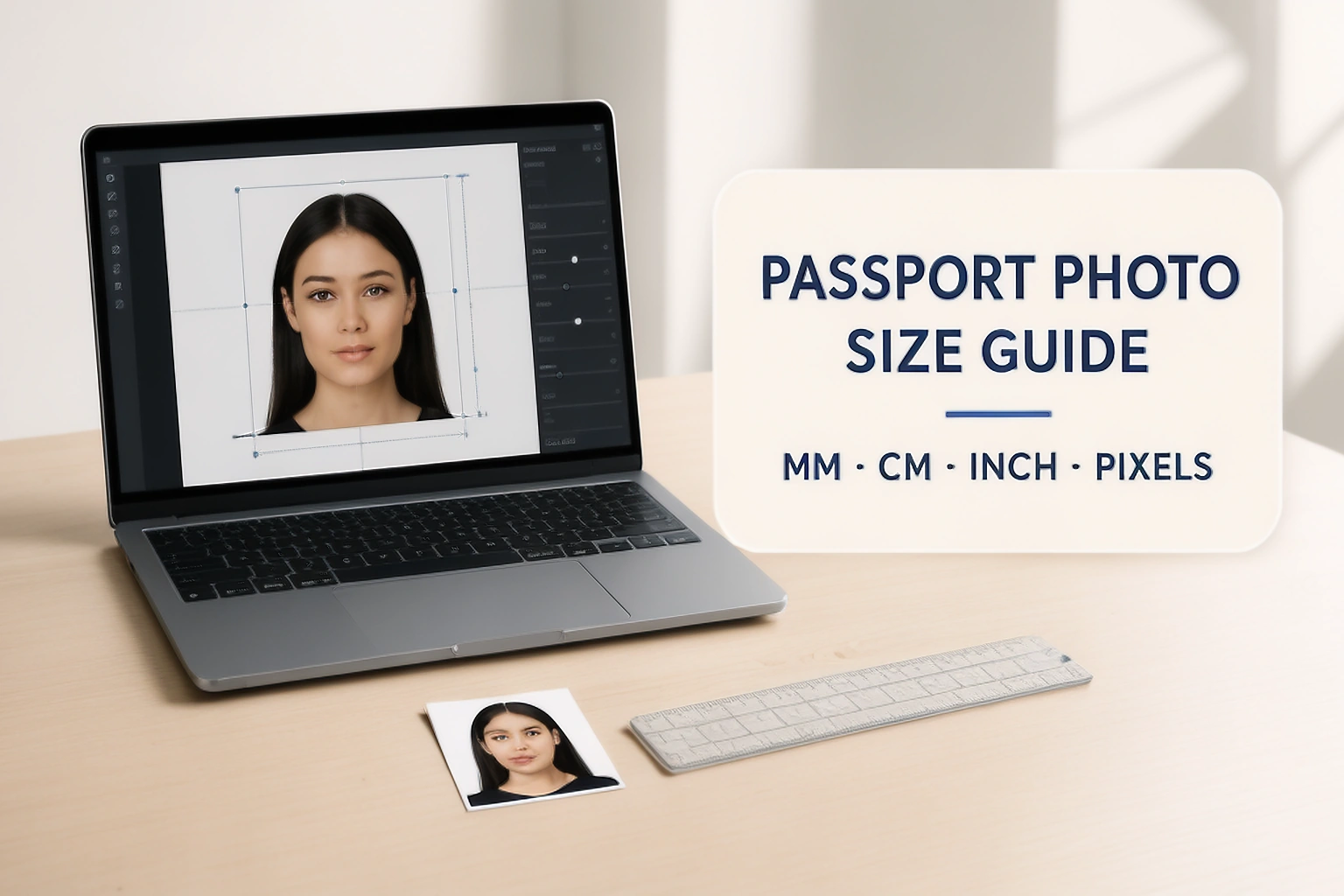
Passport Photo Size Detailed Guide: MM, CM, Inches, Pixels and DPI
A detailed passport photo size guide for converting millimetres, centimetres and inches to pixels, comparing common formats and printing the correct physical dimensions.
Read guide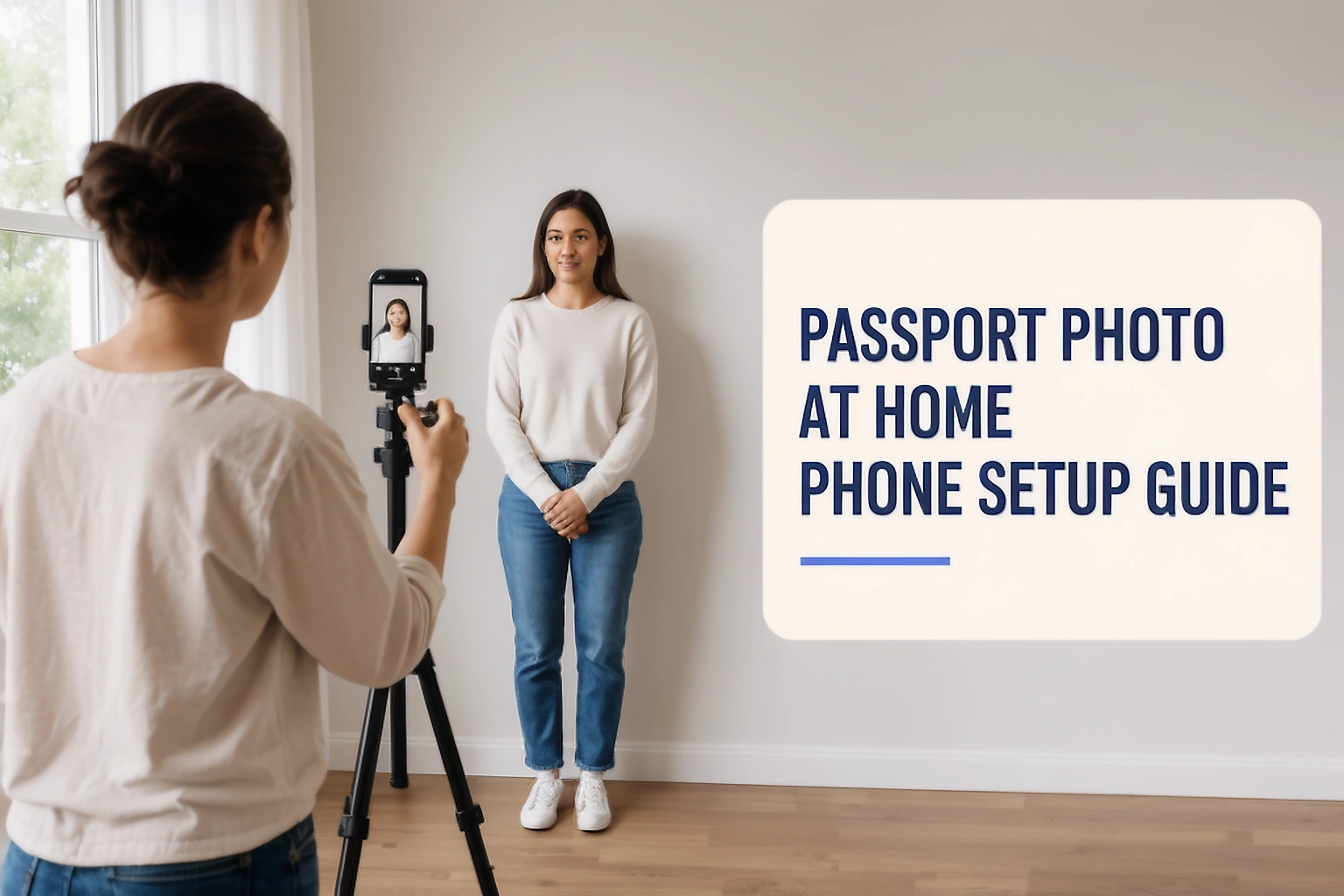
How to Take a Passport Photo at Home With Your Phone
Learn how to take a passport photo at home with your phone. Set up the light, camera distance, background and pose before checking the final application file.
Read guide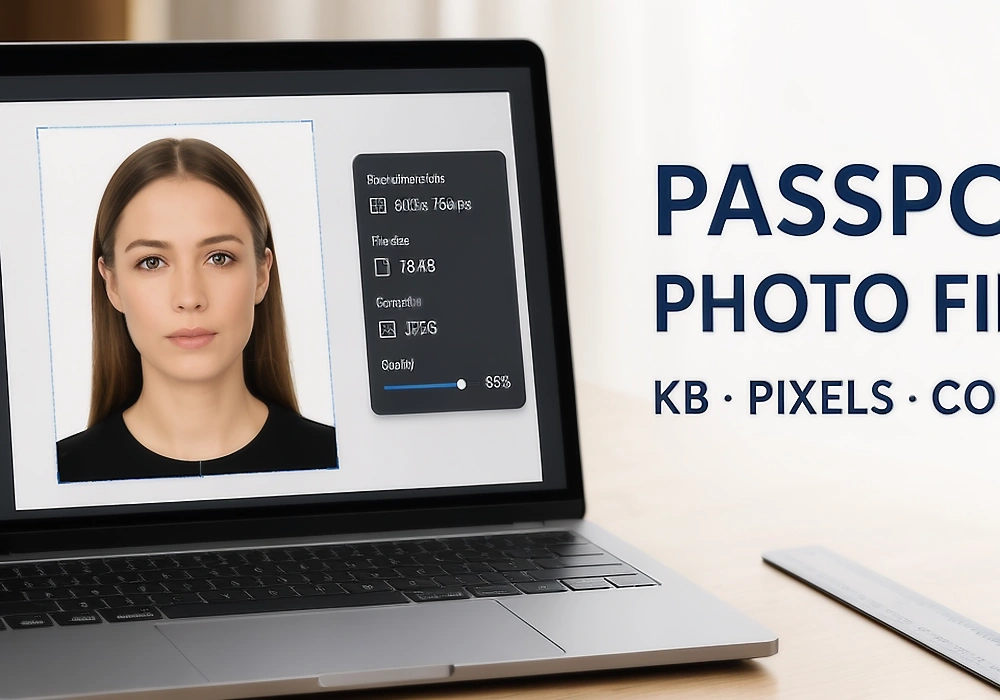
How to Reduce Passport Photo File Size Without Losing Quality
Learn what KB and pixels mean for passport photos, how to reduce file size without damaging the image, and how to check the final file before uploading it.
Read guide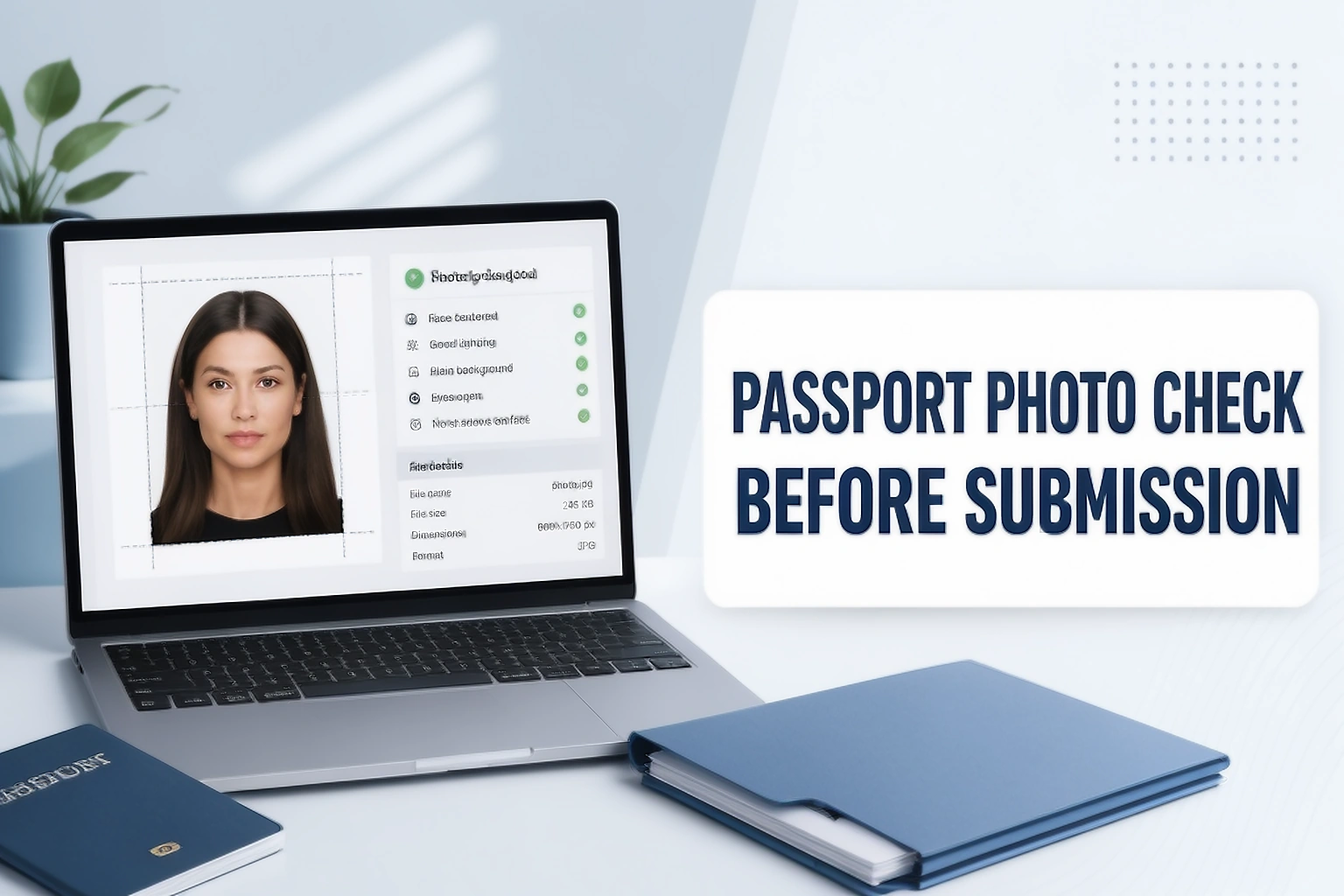
How to Check a Passport Photo Before Submission
Learn how to check a passport photo before submission. Review the face, crop, background, and saved file against the current instructions for your application.
Read guideCapture, check and prepare the photograph
Use these guides when the main question is about the photograph itself, not just the final file.
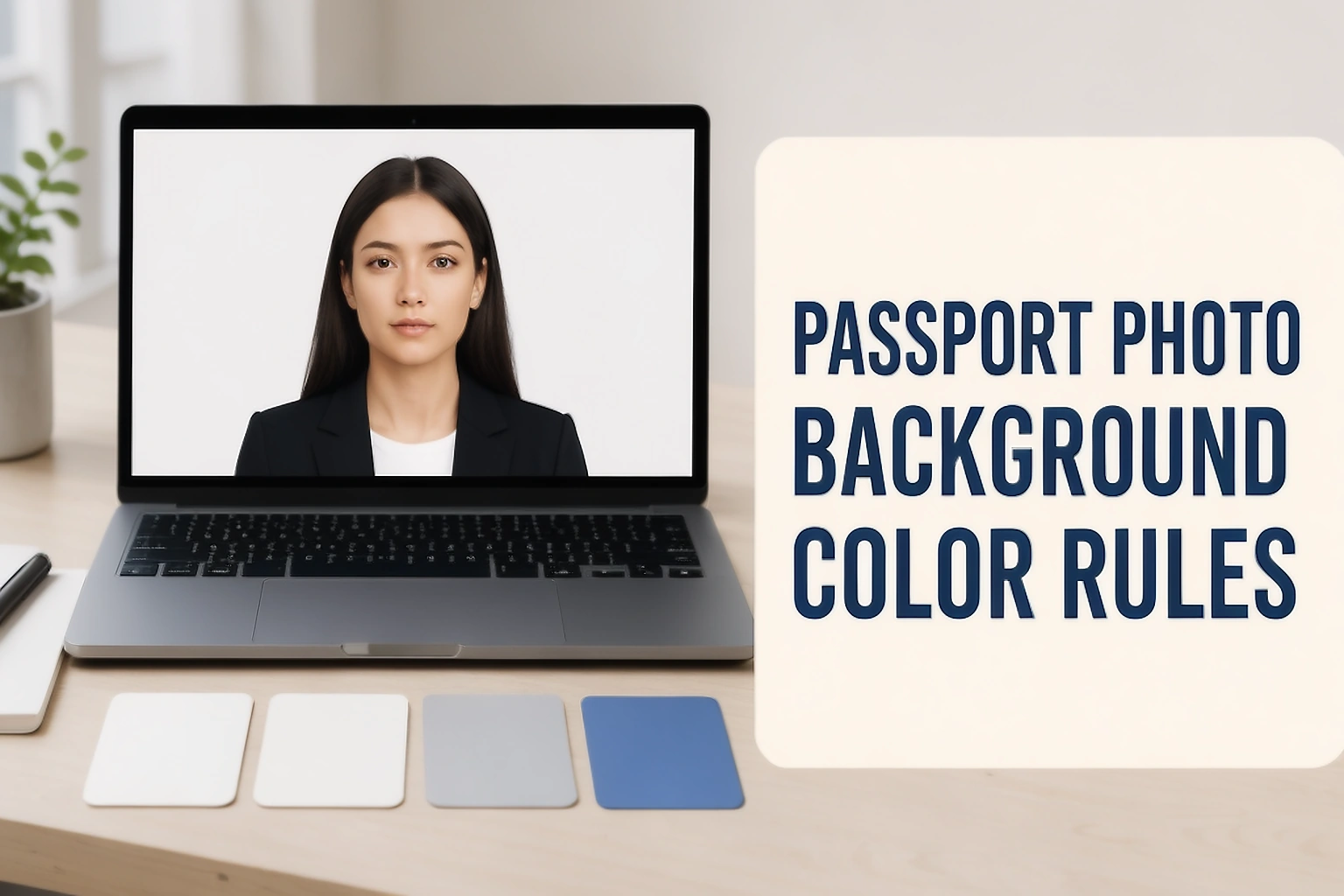
Passport Photo Background Guide & Color Rules
Learn how to check a passport photo background for colour, shadows, contrast, and permitted edits before submission.
Read guide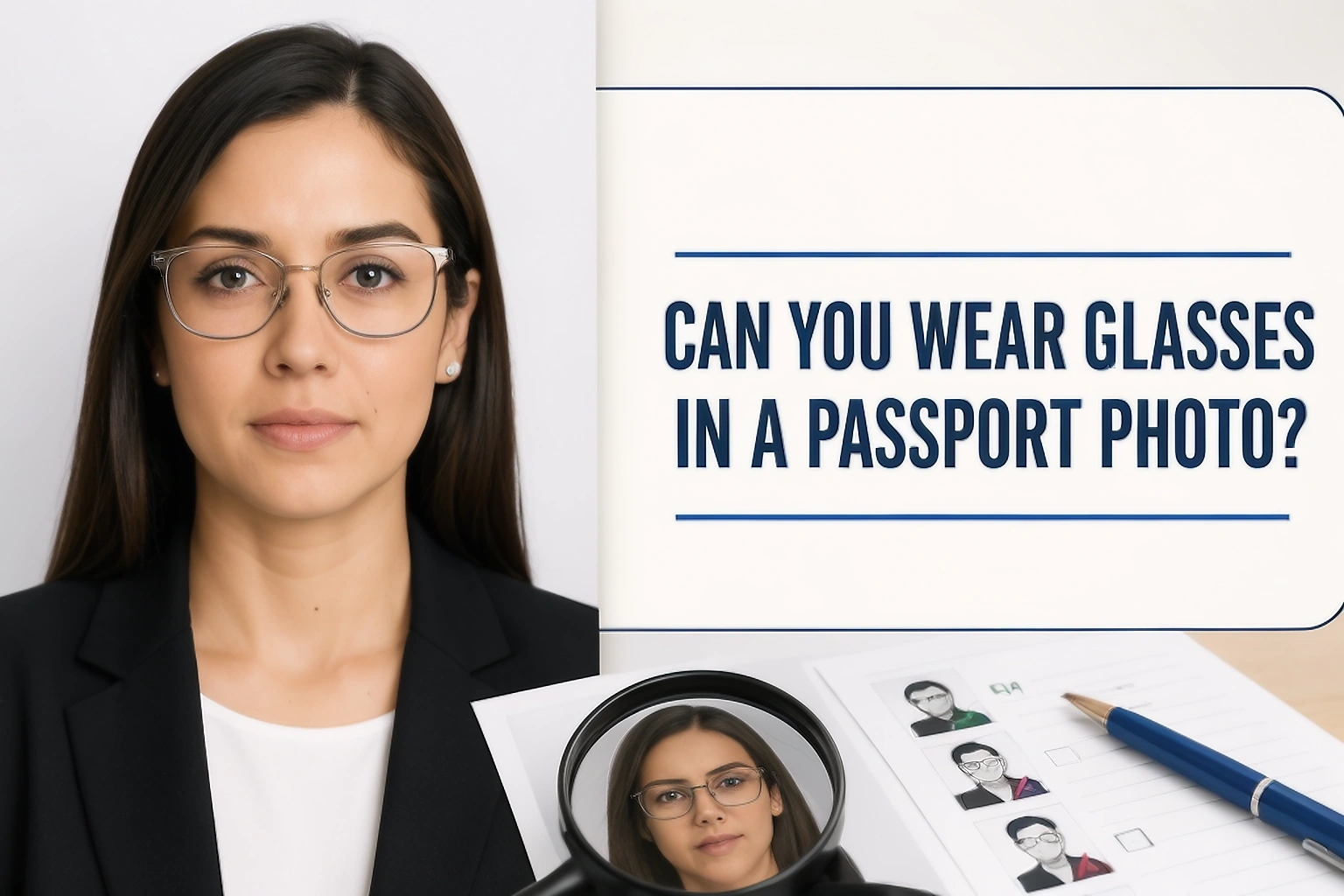
Can You Wear Glasses in a Passport Photo?
Can you wear glasses in a passport photo? Compare official rules for clear, tinted, and medical glasses in the United States, Canada, the United Kingdom, Australia, and India.
Read guide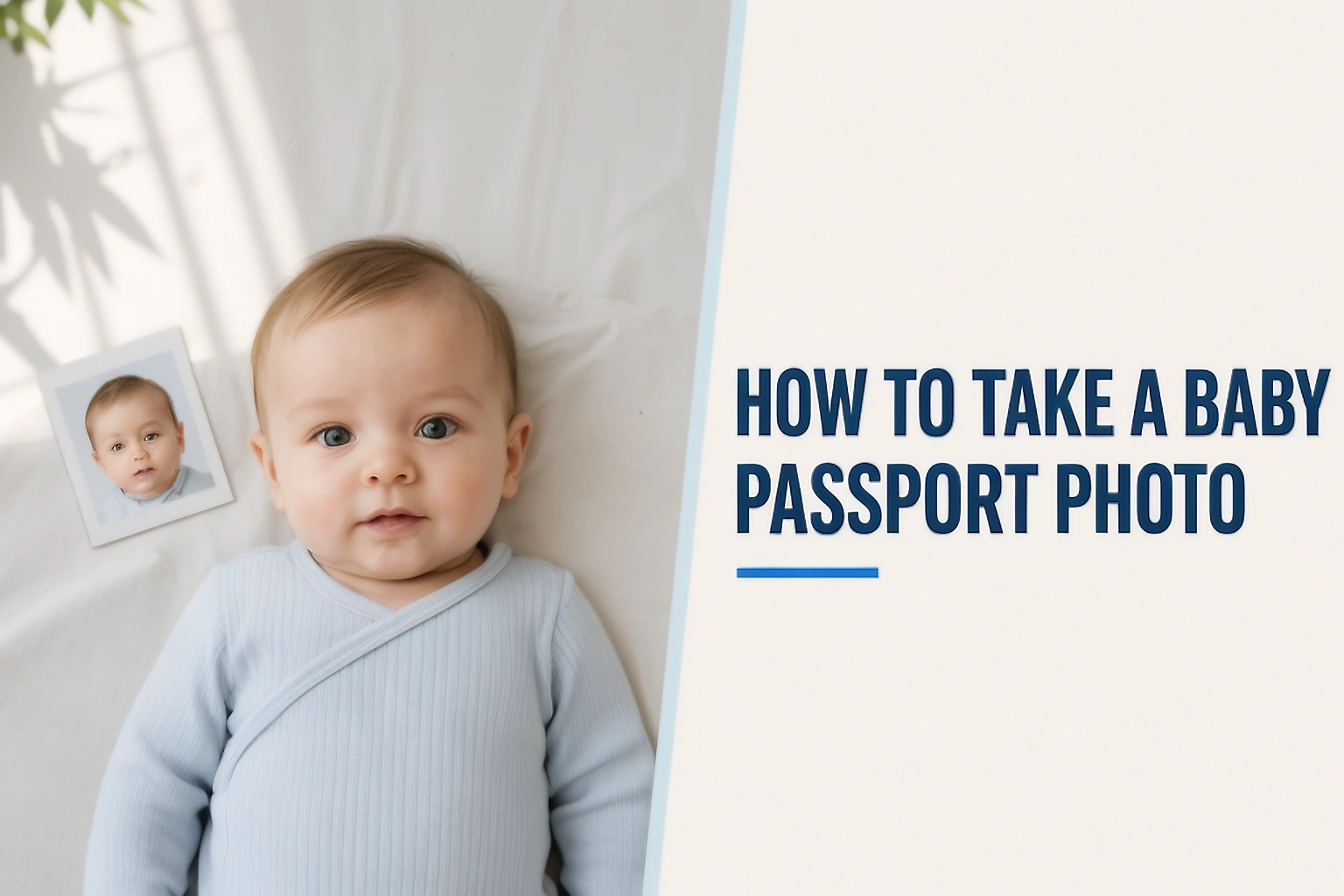
How to Take a Baby Passport Photo
Learn how to take a baby or newborn passport photo at home with a safe setup, plain background, age based rules, and practical checks before submission.
Read guide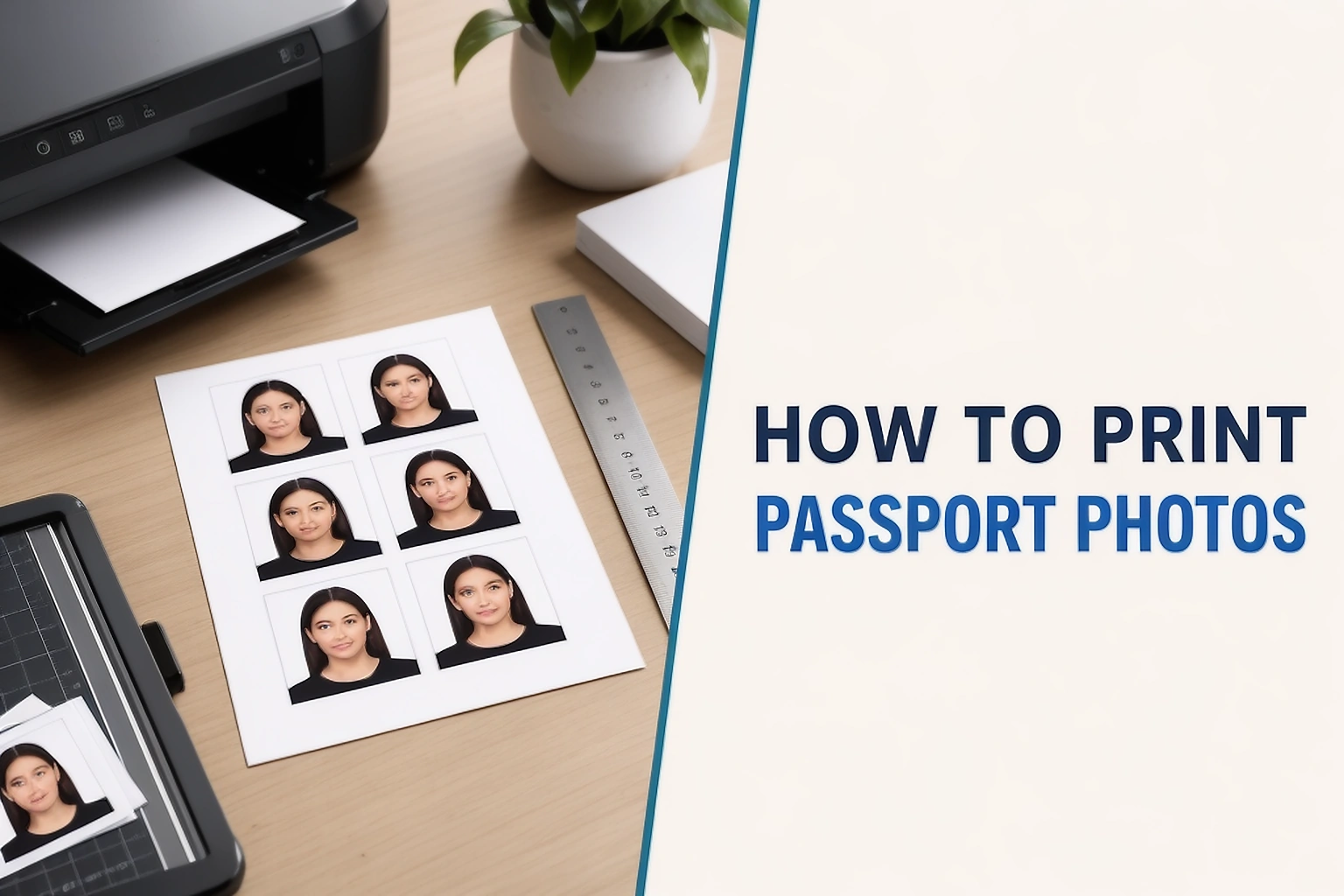
How to Print Passport Photos at Home or a Print Shop
Learn how to print passport photos at home or a print shop with the correct paper size, actual scale, layout, cutting method, and final measurement checks.
Read guide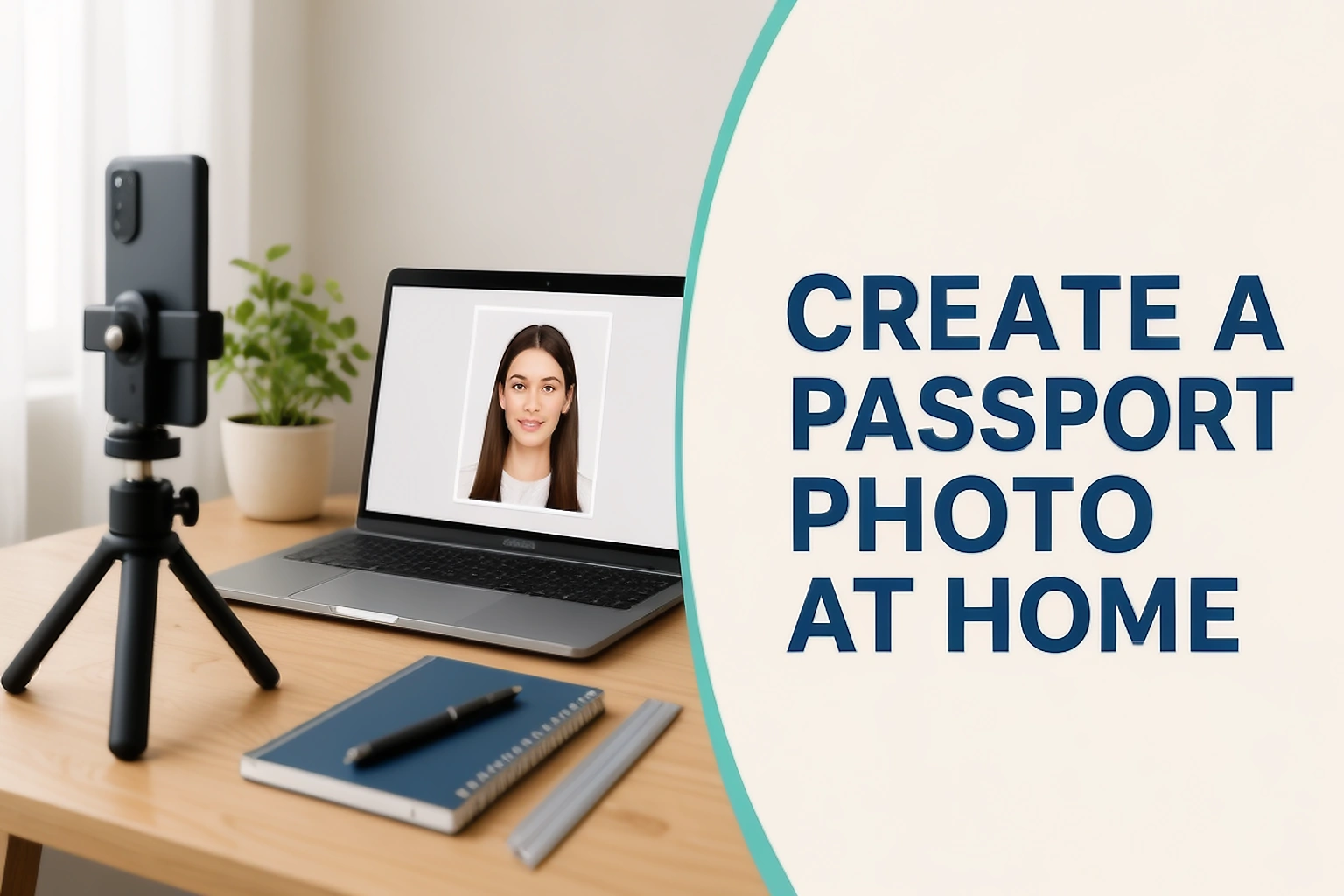
Create a Passport Photo at Home
Learn how to take a passport photo at home with better lighting, positioning and image quality. Check when cropping or editing is allowed and when you should use a photographer instead.
Read guide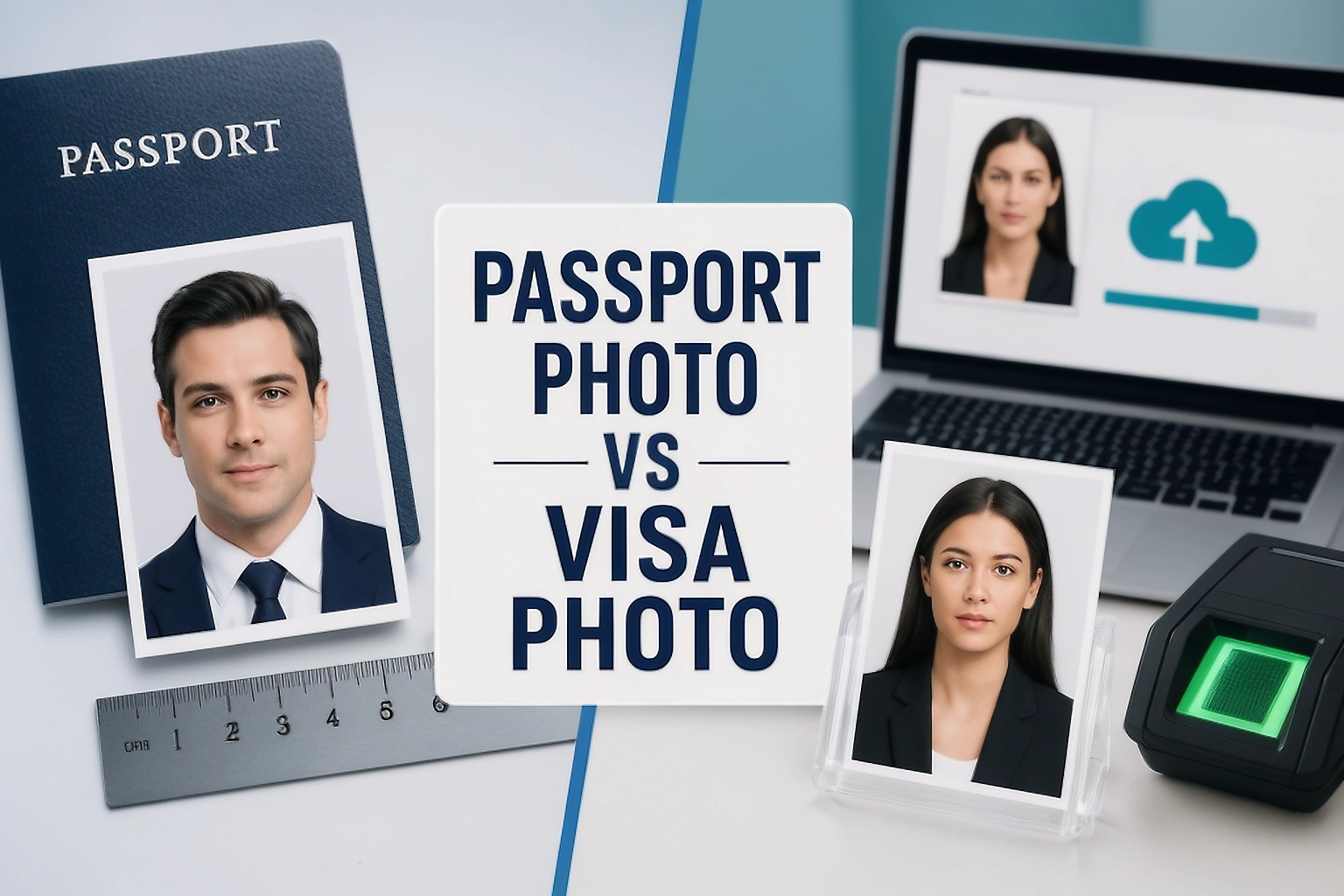
Passport Photo vs Visa Photo: What Is the Difference?
Passport and visa photos can use different sizes, file limits and submission methods. See real examples and learn when the same photo can or cannot be reused.
Read guideTurn a good source into a usable submission
Dimensions are only one part of a successful upload. These guides cover file preparation, delivery and safe decisions.
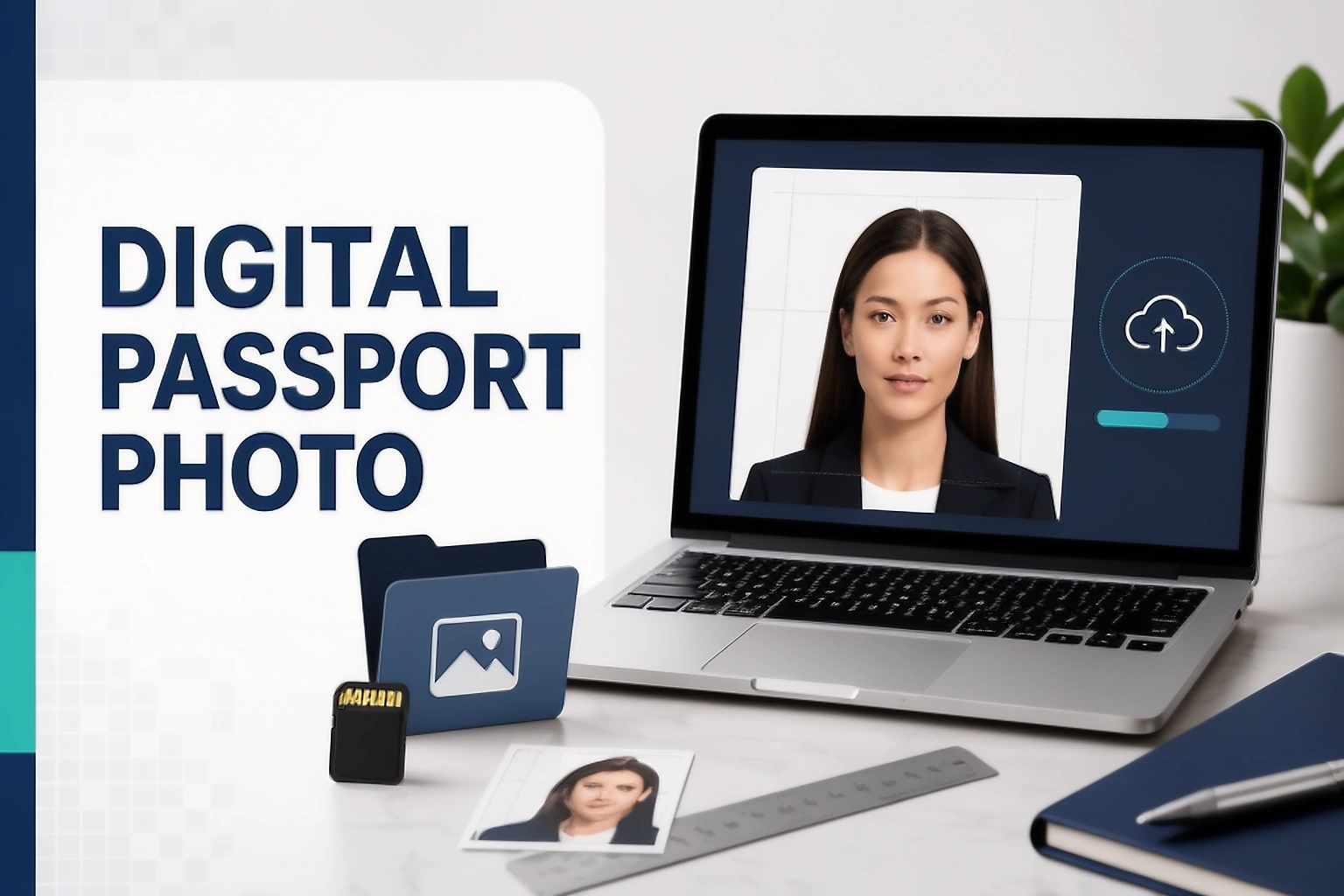
How to Prepare a Digital Passport Photo for Online Applications
Learn how to prepare a digital passport photo for an online application. Check pixels, file size, format, cropping rules and common upload problems using real official examples.
Read guide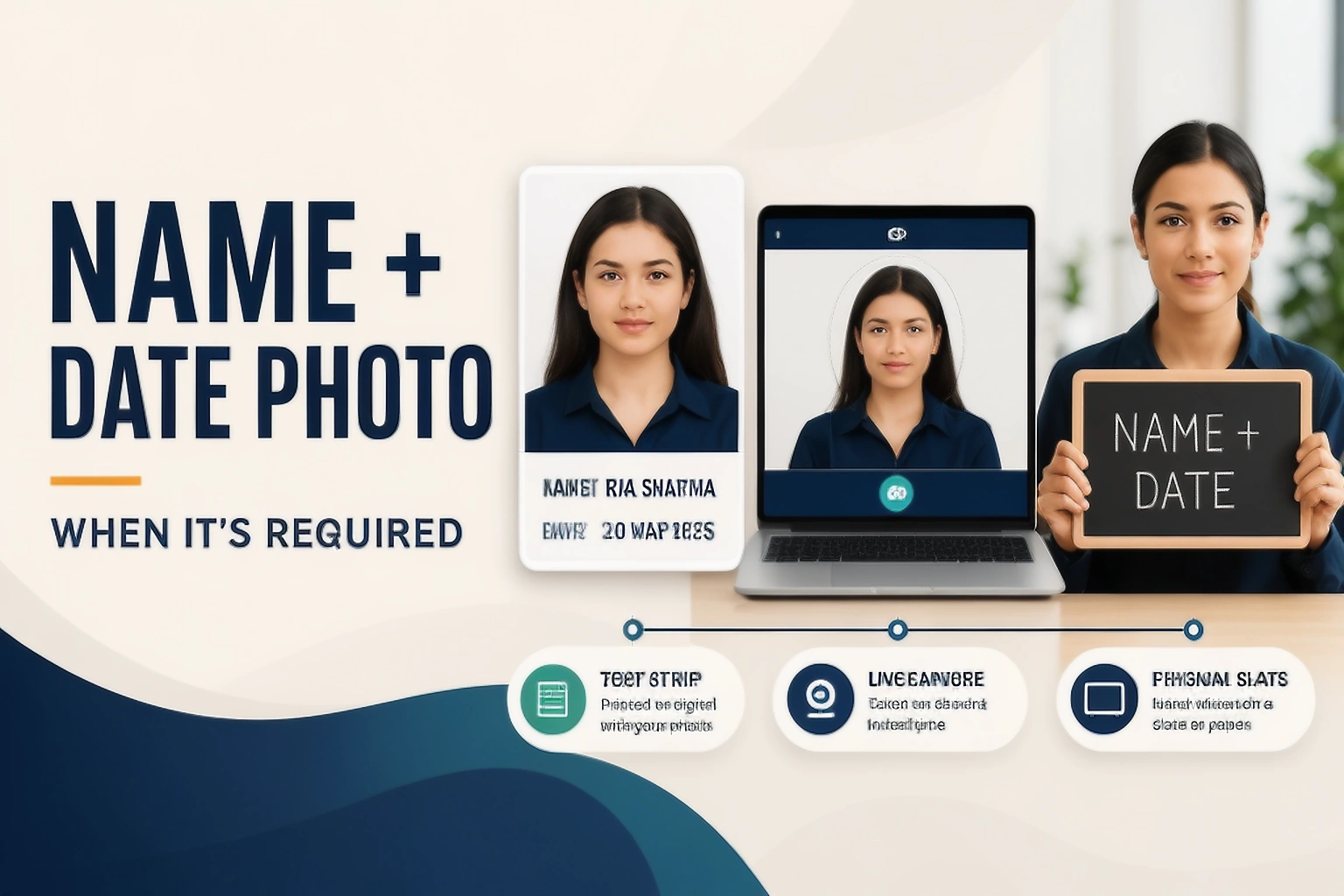
Passport Photo with Name and Date: When and How to Add It
Learn when a photo needs your name and date, how the requirement differs across recruitment forms, and when you should not add a text strip at all.
Read guide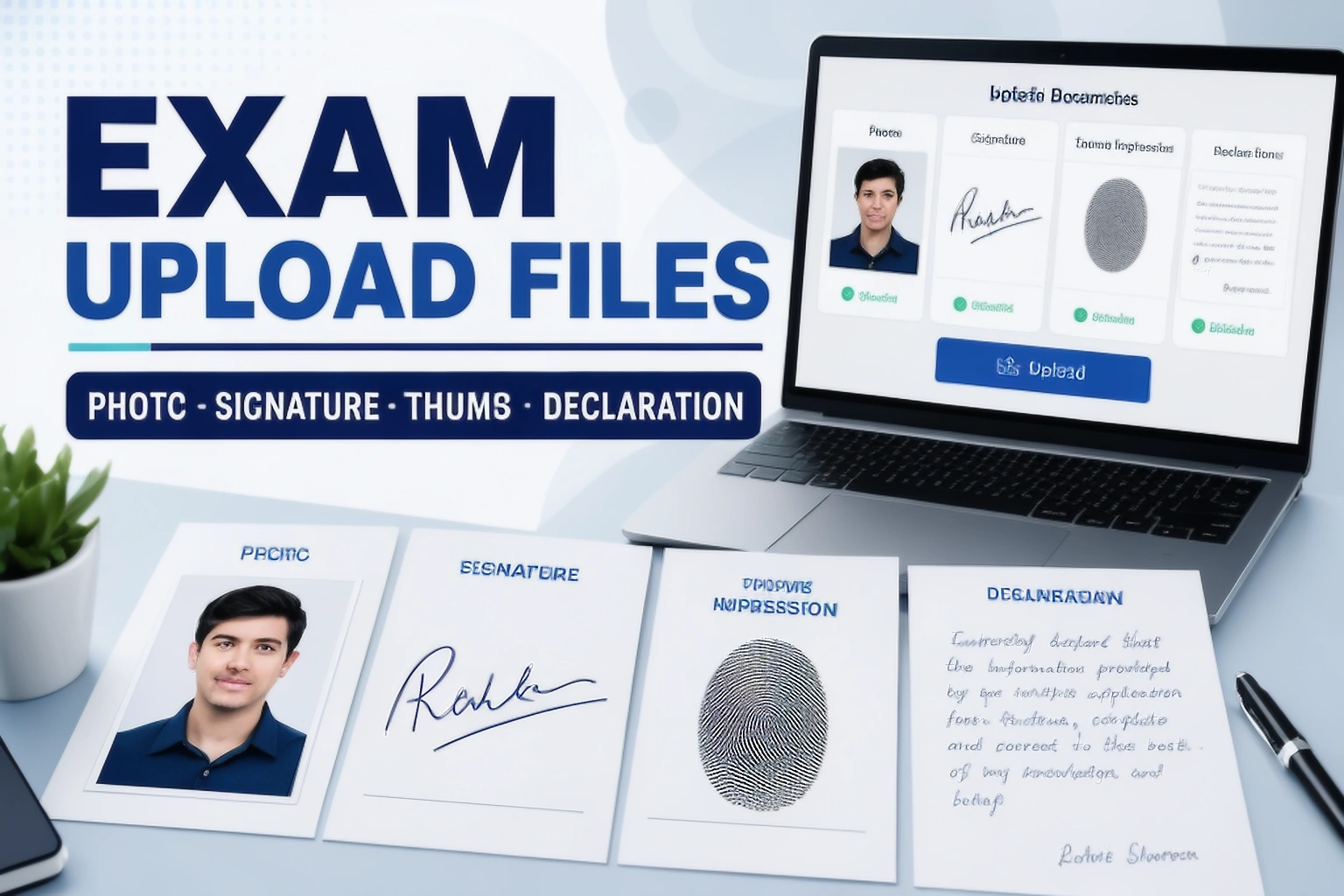
How to Prepare an Exam Photo and Signature for Upload
Learn how to prepare exam photos, signatures, thumb impressions and declarations for online forms. See real file limits, live photo rules and common upload mistakes.
Read guide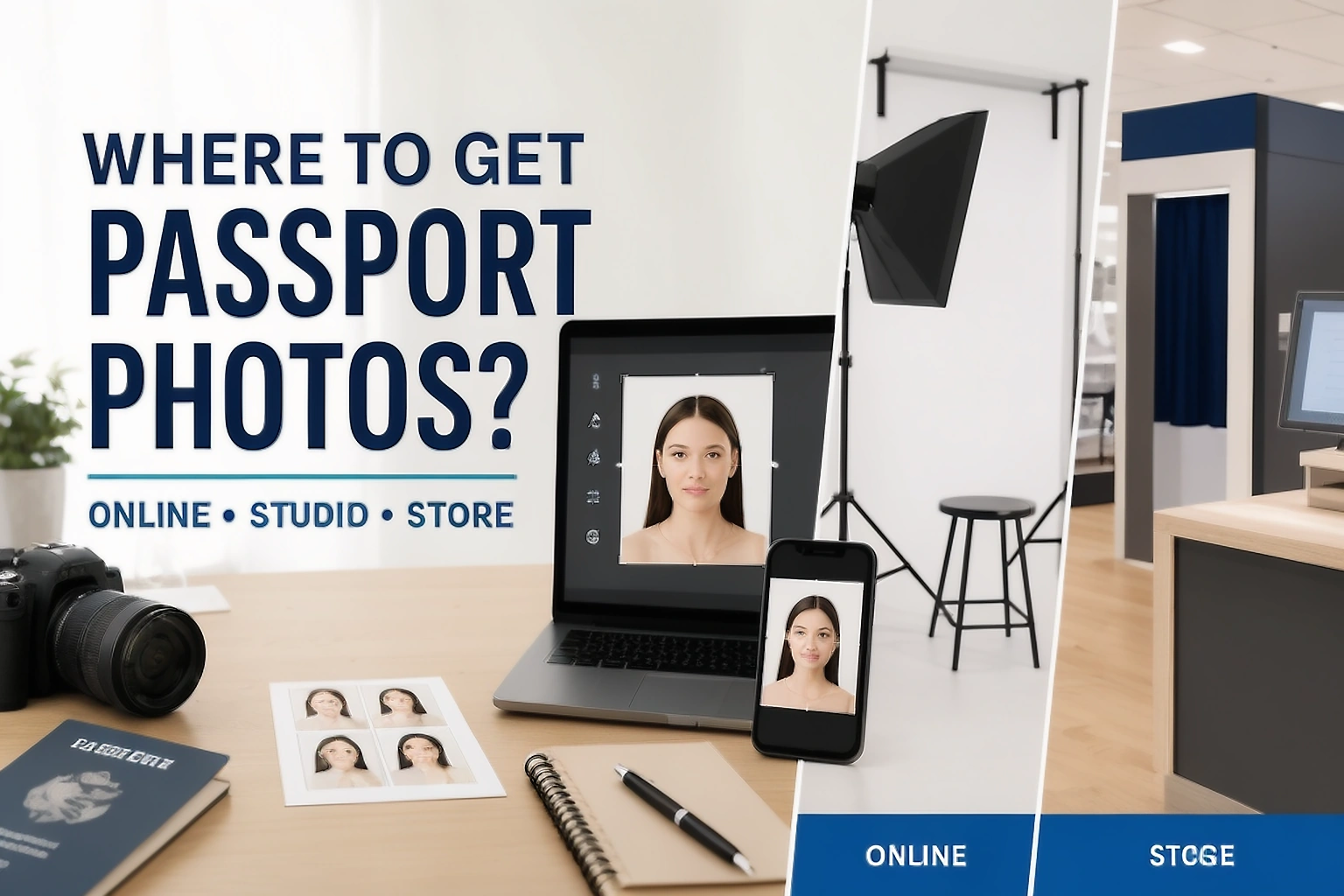
Where to Get Passport Photos: Online, Studio or Store?
Compare online passport photo tools, studios, stores and official photo services. See when each option works best and when your passport authority requires a photographer.
Read guide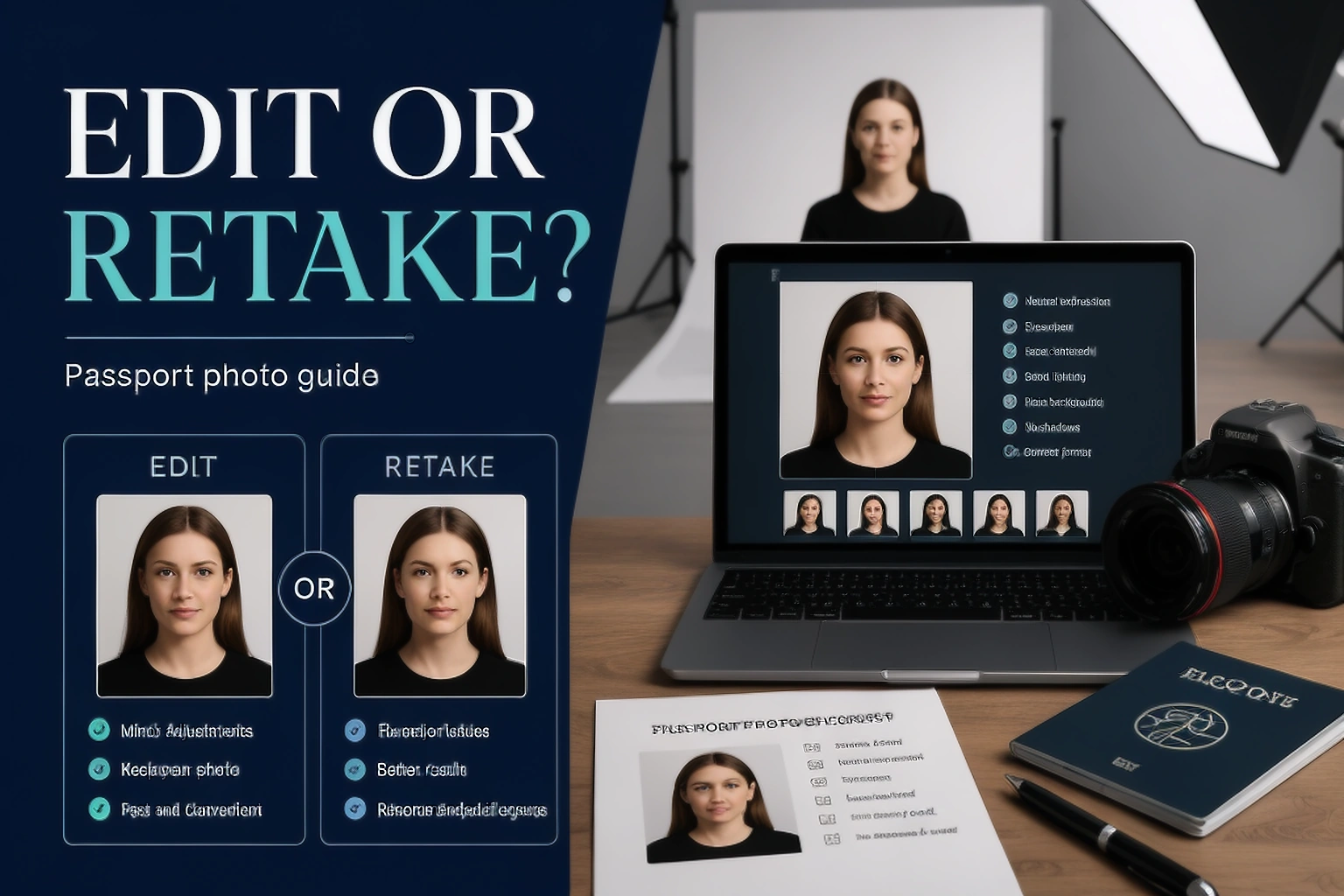
Should You Edit a Passport Photo or Take a New One?
Learn when a passport photo should be retaken instead of edited. See official US, UK and Canadian rules for blur, shadows, backgrounds, cropping and digital changes.
Read guide
Using an Online Passport Photo Tool Without Losing Control of Your Image
Learn what happens when you use an online passport photo tool, including browser processing, uploads, retention, metadata, support sharing and deletion.
Read guide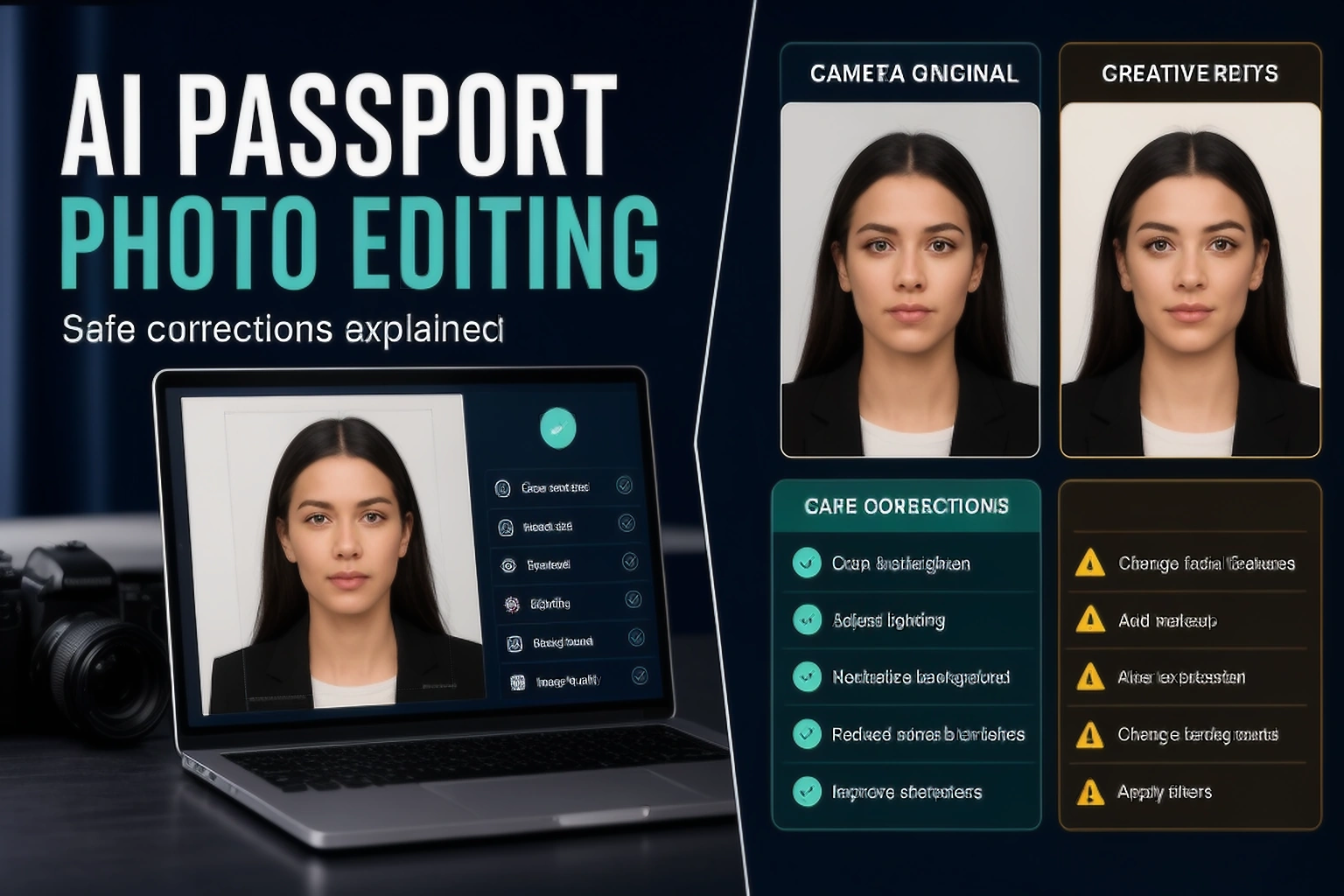
AI Passport Photo Editing: What Is Safe to Correct?
Learn which AI passport photo edits can cause problems, including background replacement, glare removal, eye correction, face changes and generative reconstruction.
Read guidePrepare the supporting files around the photo
Follow a clear workflow for scanned signatures, handwriting pages and signed PDFs without losing control of the original source.
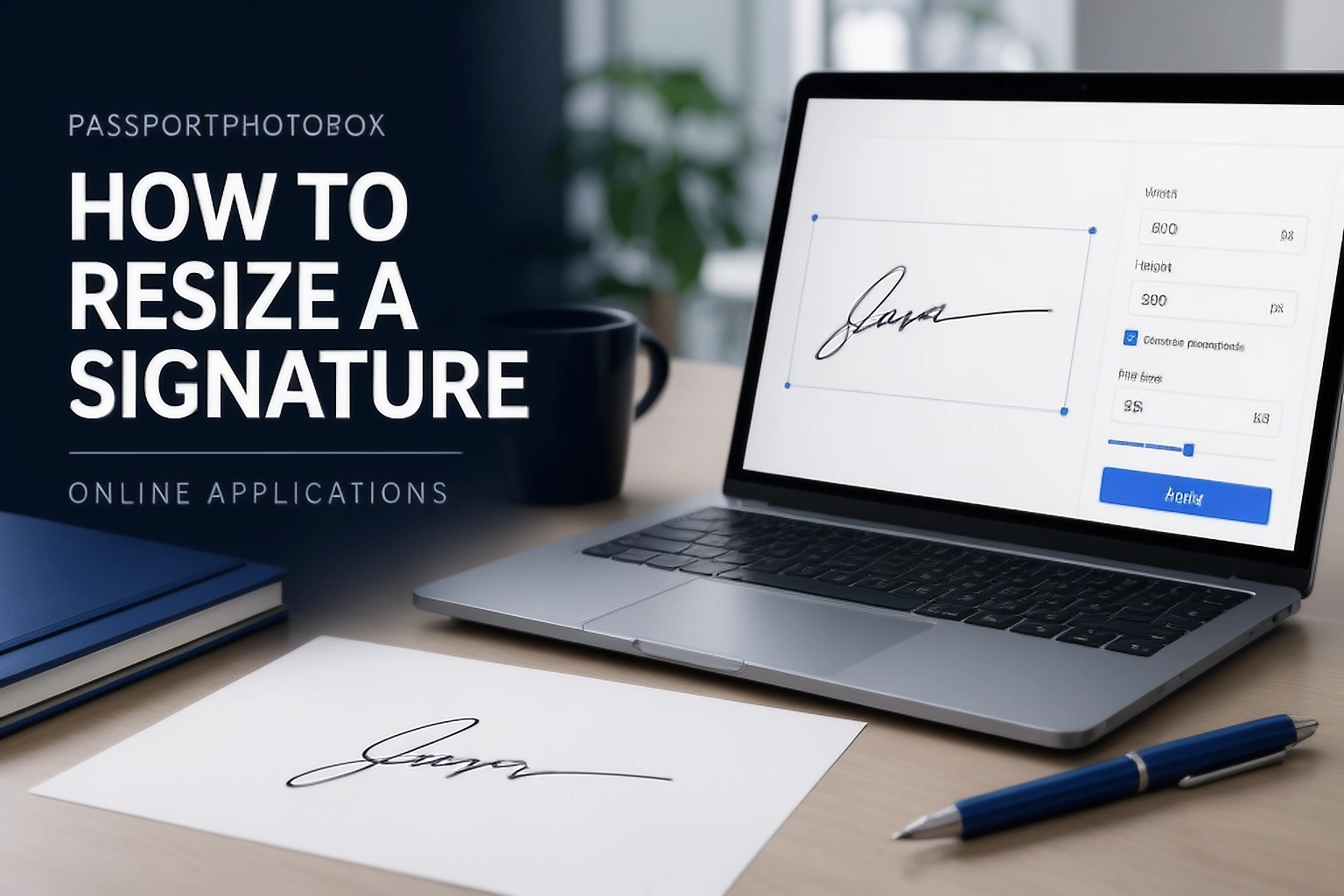
How to Resize a Signature for an Online Application
Learn how to crop, resize and compress a signature for online forms without losing thin strokes. See real 2026 upload examples and common rejection reasons.
Read guide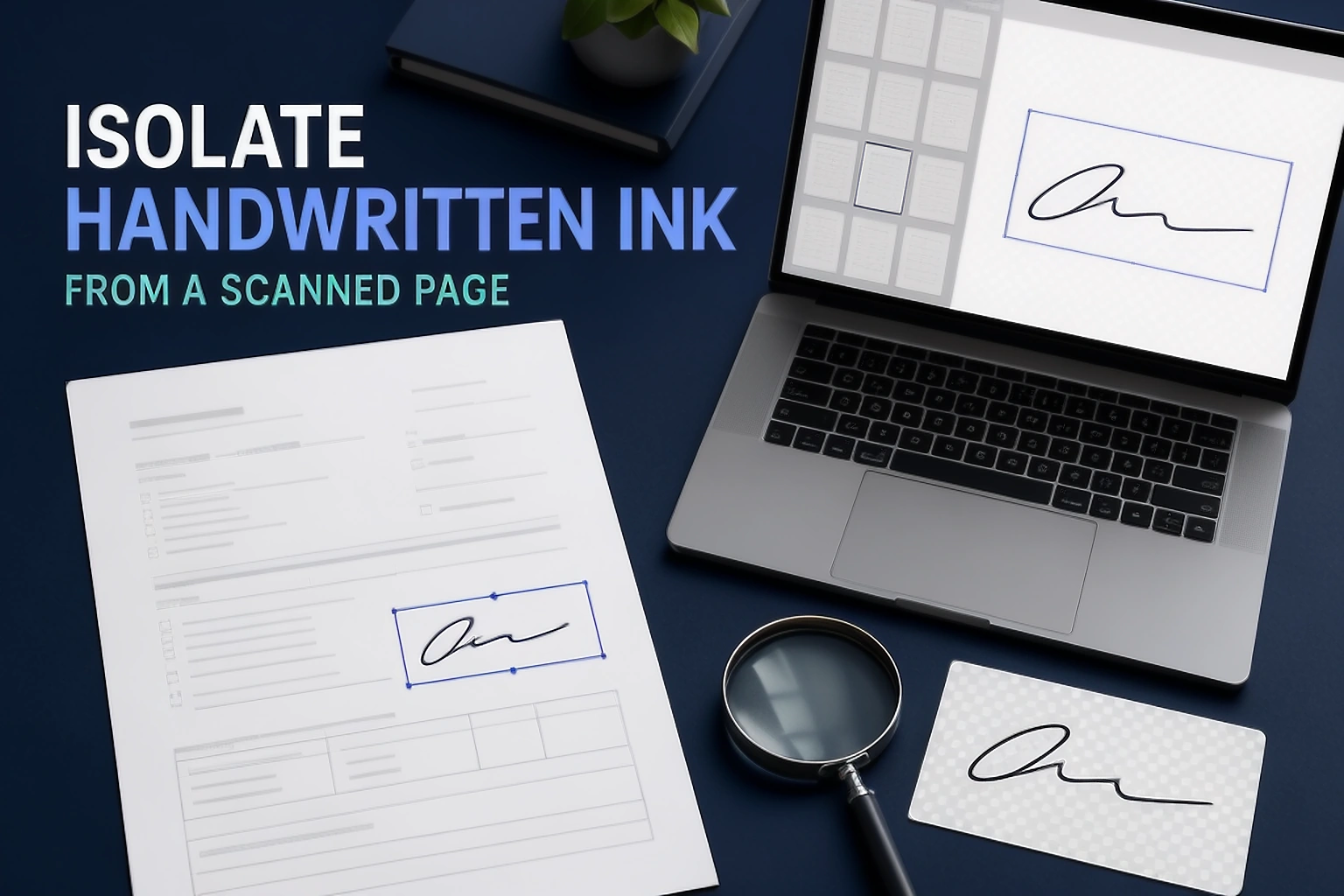
How to Extract a Signature from a Scanned Document
Learn how to isolate your handwritten signature from a scanned document without clipping strokes or carrying over nearby text, lines and personal information.
Read guide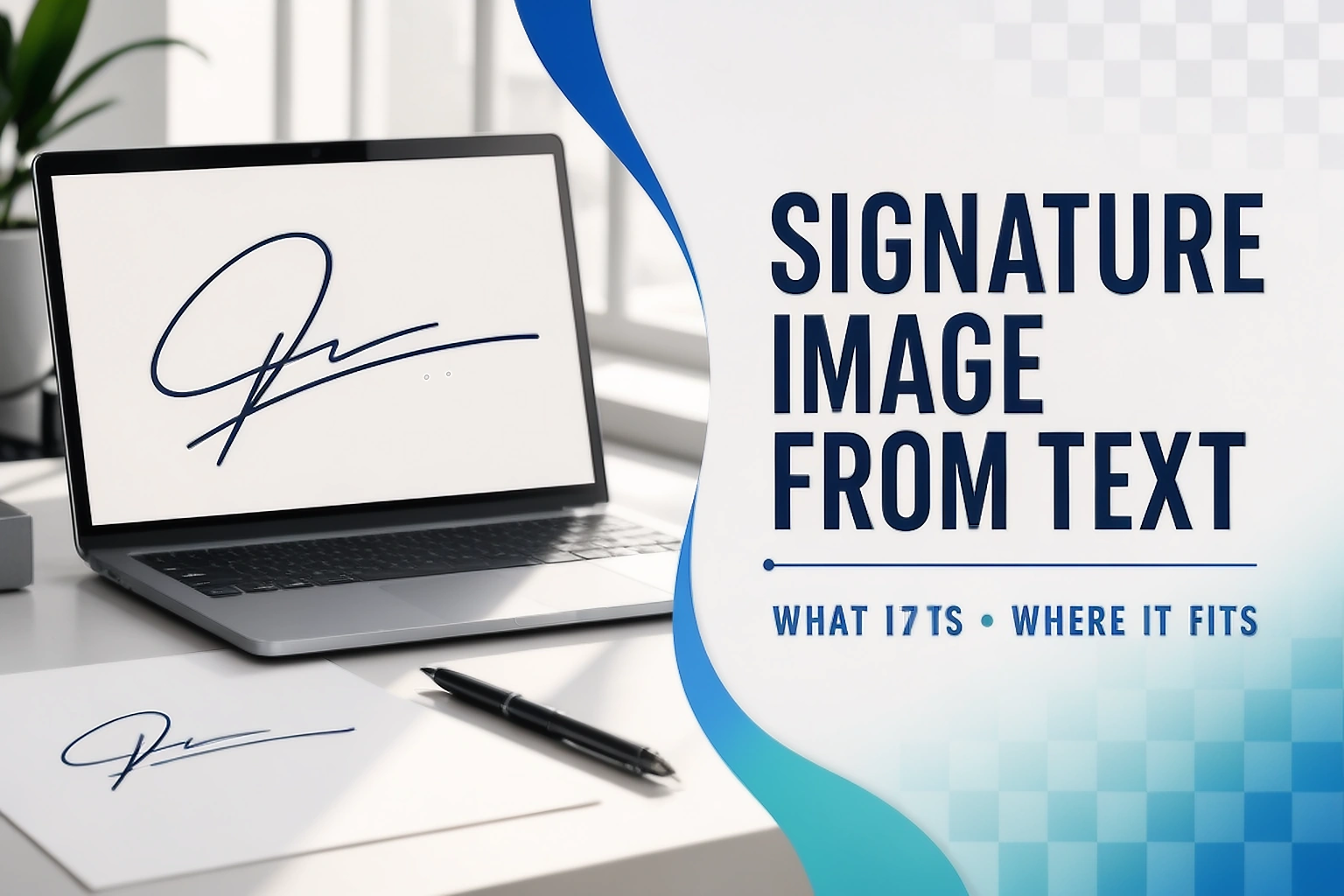
How to Create a Digital Signature Image from Text
Turn typed text into a signature image with a handwriting style, choose a practical format and learn how it differs from a real handwritten or cryptographic digital signature.
Read guide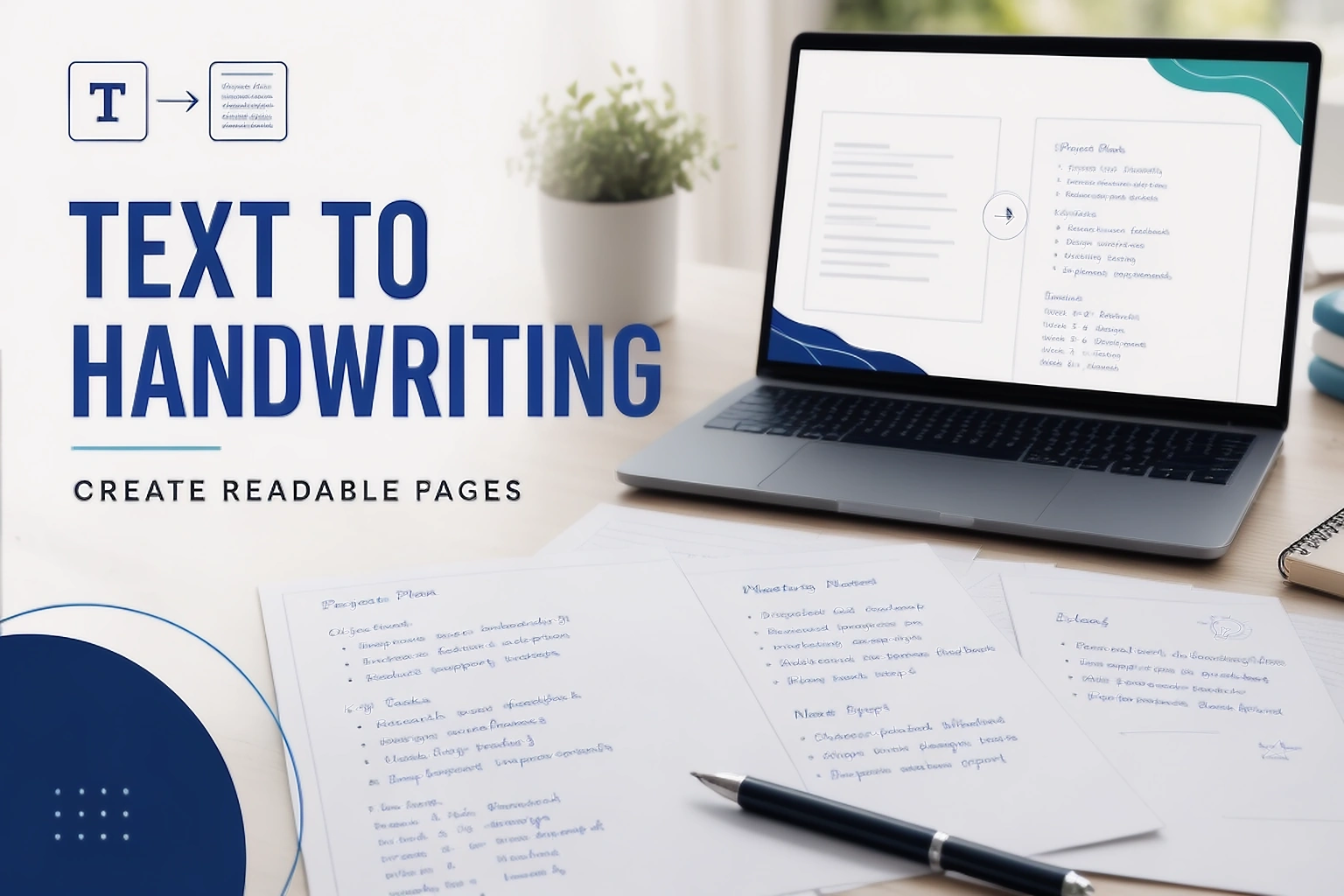
How to Create Handwritten Pages from Text
Learn how to turn typed text into pages with a handwriting style, control layout and export a readable document without confusing generated writing with an original handwritten submission.
Read guide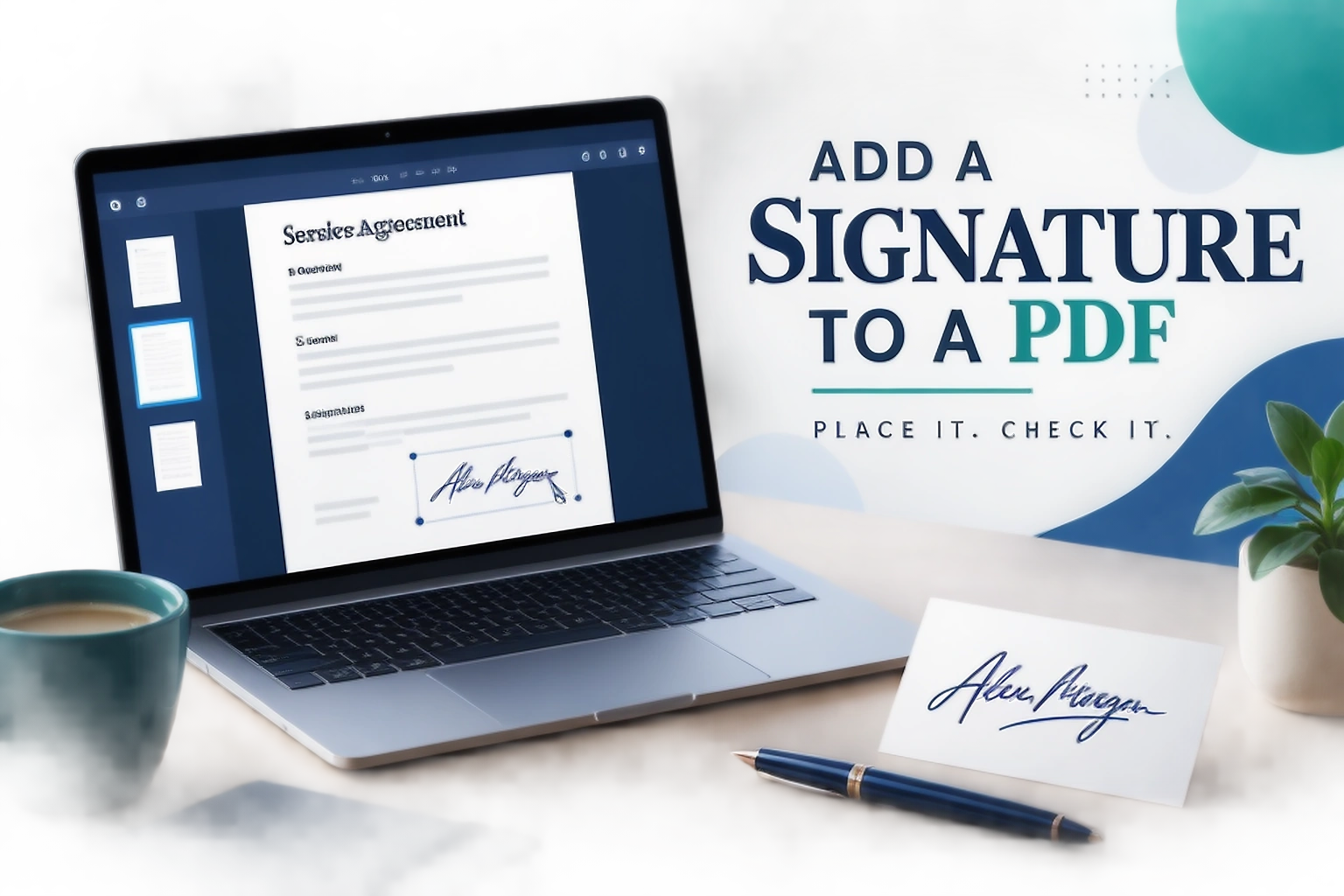
How to Add a Signature to a PDF and Review the Placement
Learn how to place an authorised signature image on the right PDF field, review every page and recognise when the document requires digital signing with a certificate instead.
Read guideTreat each upload as its own requirement
A portal can ask for a photo, a signature, a thumb impression and a declaration. Keep each source file separate, follow the limit shown beside that upload, and use a dedicated tool only when it matches the task.
These guides explain the preparation work. They do not replace the current instructions from a passport office, consulate, application centre or online portal.
Check the finished file before you submit it
Use the PassportPhotoBox checker to review the crop, background and saved file details against the current application instructions.