A passport photo can look perfectly fine in the preview and still fail when you upload it. The saved file can be too large, too small, in the wrong format, or outside the pixel range shown by the application.
This is why file size needs to be checked separately from the photo itself. Once the crop and image dimensions are ready, you can reduce the file size without losing the facial detail that the receiving form needs to read clearly.
KB and pixels solve different upload problems
Pixel dimensions tell you how wide and tall the image is. For example, a file can be 600 pixels wide and 750 pixels tall. That information describes the image shape and size on the screen.
KB describes the size of the saved file. Two images with similar pixel dimensions can have different file sizes because they can use different export quality settings or file formats. A lower KB value does not automatically mean that the photo is better.
| Property | What it controls | What can go wrong |
|---|---|---|
| Pixel dimensions | The width and height of the image | The file can meet the KB range but still have the wrong image dimensions |
| Aspect ratio | The shape of the image | The face can look stretched or the crop can become unsuitable |
| File size | The weight of the saved file | The portal can reject a file that is above or below its stated range |
| File format | How the image is saved and read | The form can refuse a format that it does not support |
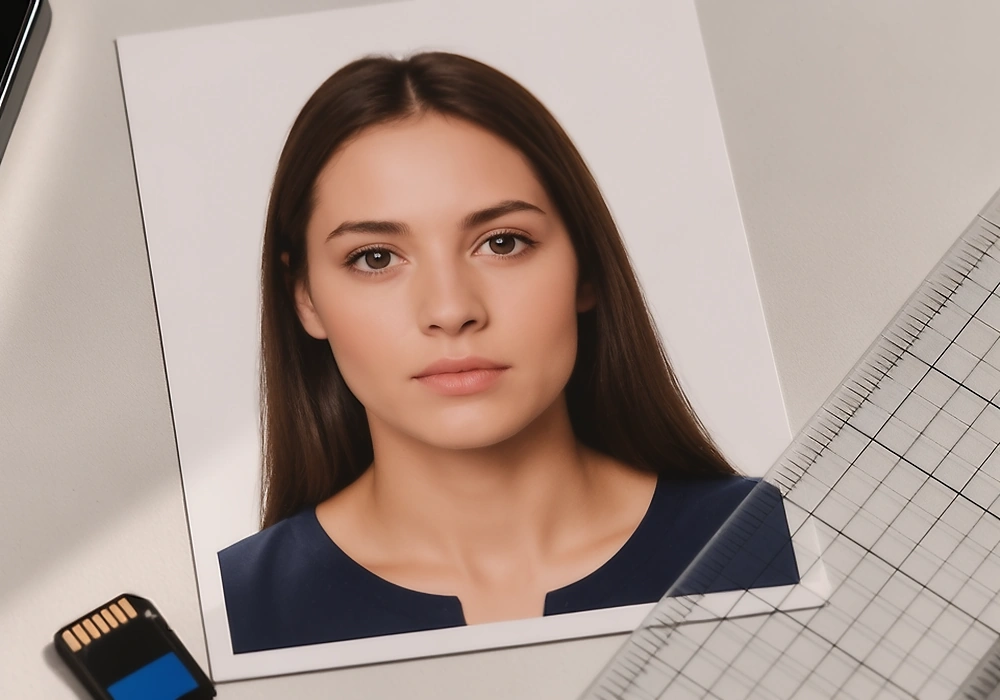
Treat these as separate checks. Compression can reduce the saved file weight, but it cannot repair a wrong crop, a stretched face, or a blurred original photo.
What do 20 KB, 50 KB, 100 KB, and 200 KB mean?
These values are common options in photo compression tools, but they are not universal passport photo requirements. Select a target only after checking the application instructions because a form can give both a lower limit and an upper limit.
| Target | Use it only when | Main concern |
|---|---|---|
| 20 KB | The receiving form specifically asks for a very small file | Facial detail can become soft very quickly |
| 50 KB | The form gives 50 KB as a target or minimum | It will not satisfy a form that requires a higher minimum |
| 100 KB | The application allows this size and the image remains clear | It is a working target, not a universal rule |
| 200 KB | The form allows this value or gives it as a minimum | Some applications allow much larger files |
A preset is only a starting point. The final file still needs the required pixel dimensions, accepted format, clear facial detail and any other conditions listed by the receiving authority.
Why the same passport photo can have a different KB size
File weight is not a direct measure of how much of the person appears in the photograph. A plain background with broad areas of similar colour is sometimes easier to encode than a detailed room, textured clothing or fine hair detail. The same dimensions can therefore produce a different file size after export.
JPEG quality also changes the result. A higher quality setting sometimes keeps more visible detail and creates a heavier file, while a lower setting creates a smaller file with a greater risk of block patterns, soft edges or colour changes. PNG, HEIC and other formats can produce different weights again even when the visible portrait appears similar.
Keep the clean original file separate from every upload version. If a first export becomes too small or looks damaged, return to the clean source instead of compressing the already compressed copy again.
Official file size rules are different for each application
There is no single passport photo file size that works everywhere. The same portrait can need one file range for a United States renewal, another range for a Canadian renewal and a different file size for a visa or lottery application.
File weight is only one part of the decision. Use the passport photo requirements guide when you need to check the broader rules for the image itself.
| Application route | Current published rule | What the user should understand |
|---|---|---|
| United States online passport renewal | 54 KB to 10 MB. Accepted formats include JPG, JPEG, PNG, HEIC and HEIF. The photo must be recent and unedited. | Do not reduce the file below 54 KB. The photo itself must also follow the official image rules. |
| United Kingdom digital passport application | At least 600 pixels wide and 750 pixels high. File size must be at least 50 KB and no more than 10 MB. | A 50 KB file is not automatically suitable for every image. Check the dimensions and clarity as well. |
| Canada online passport renewal | JPG or JPEG. A 3:2 portrait image. At least 1,200 pixels wide by 1,800 pixels high and no more than 3,000 pixels wide by 4,500 pixels high. File size between 200 KB and 5 MB. | The file size range is only one part of the requirement. Canada also has strict rules about the source file and editing. |
| United States Diversity Visa entry | JPEG format. 600 by 600 pixels. File size no more than 240 KB. | This is a separate application route. Do not present it as the rule for United States passport renewal. |
- The current Passport Seva application booklet says that a photograph is not required for applications submitted at a Passport Seva Kendra or Post Office Passport Seva Kendra. Other collection centres can require a recent colour photograph measuring 4.5 centimetres by 3.5 centimetres. Do not publish a general Indian passport upload limit in KB unless the relevant form gives one. Read the current Passport Seva application booklet.
- The Australian Passport Office focuses on printed photographs and recommends professional photo providers. It also says that it does not recommend online passport photo services or mobile apps. Do not describe a general compressor as suitable for every Australian passport application. Read the Australian Passport Office photo guidance.
How to reduce a passport photo file size without damaging it
The safest order is to finish the image first and reduce the file size last. When you compress before setting the crop or pixel dimensions, you can need to repeat the work and create a weaker copy of the photo.
Keep the clean original
Save one untouched copy of the original image before changing anything. This gives you a reliable starting point if the first export becomes too soft or falls below the lower file limit.
Set the crop and pixel dimensions
Choose the required image shape and pixel dimensions before reducing the file size. Compression cannot correct a wrong aspect ratio or bring back a face that was cropped too tightly.
Choose the format accepted by the form
Check the application instructions before choosing JPG, JPEG, PNG, HEIC or another format. A smaller file is not useful if the receiving form cannot open or accept that format.
Reduce the file size gradually
Lower the export quality in a small amount and inspect the saved file after each important change. Look closely at the eyes, hair edges, skin detail and background because compression damage sometimes shows up there first.
Return to the clean original: Do not keep compressing the already reduced copy. Return to the clean original and create another export when the first file becomes blurry or falls outside the required range.
A practical buffer when the form gives only a maximum
When a form gives only an upper limit and no lower limit, starting around 90 to 95 percent of the maximum can leave a small working buffer. This is practical guidance from the editing workflow. It is not an official requirement.
| Maximum shown by the form | Practical starting range | Do not use this approach when |
|---|---|---|
| 200 KB | 180 KB to 190 KB | The form also gives a minimum above this range |
| 1 MB | 900 KB to 950 KB | The portal uses a different unit or gives a fixed target |
| 4 MB | 3.6 MB to 3.8 MB | The photo becomes visibly soft |
| 10 MB | 9 MB to 9.5 MB | The application requires a smaller fixed range |
Never reduce a file below the published minimum. For example, the United States online passport renewal range starts at 54 KB, while the Canada online passport renewal range starts at 200 KB. If the form gives a minimum as well as a maximum, stay inside the full published range.
What to change when the upload fails
Start with the portal message and the file that you actually selected. Do not change several properties at once, because that makes it difficult to tell which adjustment solved the problem.
| Upload result | Likely issue | Safer next step |
|---|---|---|
| File is too large | The saved export is above the maximum | Return to the clean original and reduce export quality gradually. |
| File is too small | The file is below the minimum | Export again with less compression. |
| Wrong image dimensions | The width or height does not match | Set the required pixel dimensions before changing file weight. |
| Format not accepted | The file type is unsupported | Save the image in a format listed by the form. |
Do not respond to every upload error by making the image smaller. If the message concerns dimensions or format, changing the KB value will not fix the real problem. For face position or image quality findings, the passport photo checker can help you inspect the file before you create another export.
Why the correct KB value is not enough
A compressor can help prepare measurable file properties. It cannot confirm that the face, background, expression, date, source file or editing history follows the full application rules.
Some authorities also restrict editing. The United States online passport renewal guidance asks for an original unedited photo. Canada says that its online renewal photo must come from the original camera file and must not be altered with editing software, filters or artificial intelligence tools.
Important boundary: Do not use a compressor to make a restricted photo appear compliant. If the authority requires an original file or a professional photographer, follow that instruction even when another file reaches the required KB range.
Check the downloaded file before uploading it
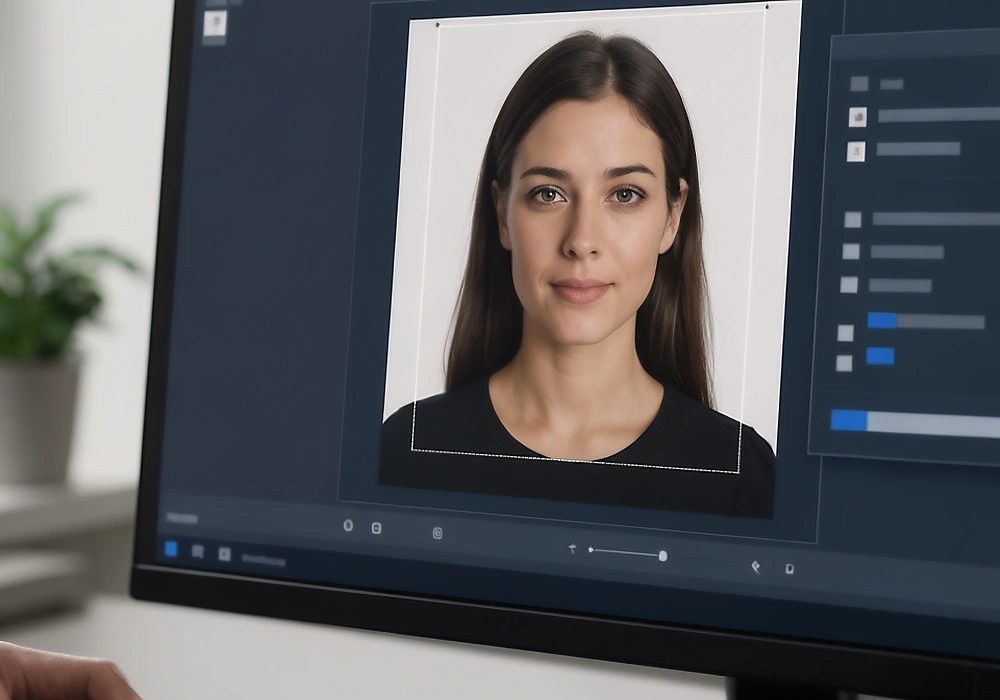
The preview inside an editor only shows how the image looks before export. The downloaded file is the one that reaches the application, so check that file after saving it to your device.
Confirm the file format
Check the extension and, when possible, open the file in an image viewer to make sure it was exported in the format accepted by the form.
Confirm the width and height in pixels
Read the saved file properties and compare both dimensions with the current application instruction. Do not rely on the preview frame alone.
Confirm the saved file size
Read the file weight in KB or MB and compare it with the full permitted range, including any minimum as well as the maximum.
Open the image and inspect the facial detail
Look at the eyes, hair edges, skin detail and background. If compression has made important detail soft, create a new export from the clean original.
A file can change during export. The format can change. The pixel dimensions can change. The file size can change as well. Checking the saved file prevents a correct preview from becoming an incorrect upload.
DPI information alone does not decide the upload file size. File weight sometimes changes when the image is resampled, exported again or saved with a different quality setting.
Does KB apply to printed passport photos?
KB is a digital file measurement. Printed applications sometimes focus on the physical width and height, the paper, the print quality, the facial measurement and the instructions of the receiving authority.
A photo can be correct for printing and still be unsuitable for an online upload. In the same way, a file can meet a digital size range and still be unsuitable for a printed application. For the difference between physical measurements, pixel dimensions and file weight, read the detailed passport photo size guide.
sometimes asked questions
Is 50 KB a standard passport photo file size?
No. Some forms use 50 KB as a lower limit or target. Other forms use a higher minimum or a much larger range. Always follow the instructions for the application you are completing.
Should I change the pixels before reducing the KB?
Yes. Set the required crop and pixel dimensions first. File compression cannot correct the wrong image shape or dimensions.
Does a lower KB value mean better quality?
No. A smaller file uses less storage, but heavy compression can soften the eyes, hair edges and facial detail. The best file is one that stays inside the stated range while remaining clear.
Can a compressor make any passport photo acceptable?
No. It can help with file properties when the application permits that type of editing. It cannot confirm every photo rule or repair a poor original image.
Final check before you upload
The correct passport photo file is not simply the smallest one. It has the required dimensions, uses an accepted format, stays inside the stated file range and remains clear when you open the saved copy.
Check the application instructions first. Then prepare the image, reduce the file size only when needed and inspect the downloaded file before sending it.
Check your passport photo file before uploading it
Compare the saved file with the current dimensions, format and file size requested by your application.
Official sources checked
Photo file rules can change by country and application route. These official pages were checked on 30 August 2026 while preparing this guide.
- United States passport renewal and United States visa or Diversity Visa photo rules
- United Kingdom digital passport photo rules
- Canada online renewal photo specifications
- Australian Passport Office guidance and the India Passport Seva application booklet
Last checked August 30, 2026.