Passport and visa photos are both used to identify a person, so they can look very similar. The practical difference appears when a passport office, immigration department, consulate or application centre asks for a particular output.
Start with the application you are completing now. A broad phrase such as “passport size photo” does not tell you whether the next step needs a printed portrait, a JPEG upload, a biometric appointment or a newly captured facial image.
For broader background and size rules, see the passport photo requirements guide. This article stays focused on the decision between a passport route and a visa route.
Passport photo and visa photo do not mean two universal sizes
“Passport photo” and “visa photo” describe the purpose of an identity portrait, not one worldwide measurement. The authority receiving the application sets the dimensions, head position, photo age, paper or file rules and delivery method.
Some routes are close. United States printed passport photos and many United States visa photos use 2 × 2 inches. Other routes are clearly different: a Canadian passport photo is 50 × 70 millimetres, while the published Canadian temporary resident visa frame is at least 35 × 45 millimetres.
That is why the exact passport application and the exact visa route matter more than the label attached to the file. Choose the destination and route before you crop.
Passport versus visa overview
| What can differ? | Passport application | Visa application |
|---|---|---|
| Authority | Passport office or national passport authority | Immigration authority, consulate, embassy or visa centre |
| Physical size | Set by the passport route and country | Set by the destination, visa class and submission route |
| Digital requirements | A digital passport renewal can have its own pixels, format and file range | A portal can ask for a JPEG, pixel range, KB limit or a different upload shape |
| Photo capture | Can be taken at home, in a booth or by a photographer when the route allows | Can be uploaded, printed, scanned or captured during biometrics |
| Photo age | The passport authority sets the accepted age or requires a new photo | The visa authority can use a different age rule or require a current live image |
| Number of printed copies | The form can ask for one or more identical photos | The interview or application centre can ask for a different number, or none at all |
A file should not be labelled simply “passport photo” and reused without checking the receiving route. The authority and application type give the file its actual specification.
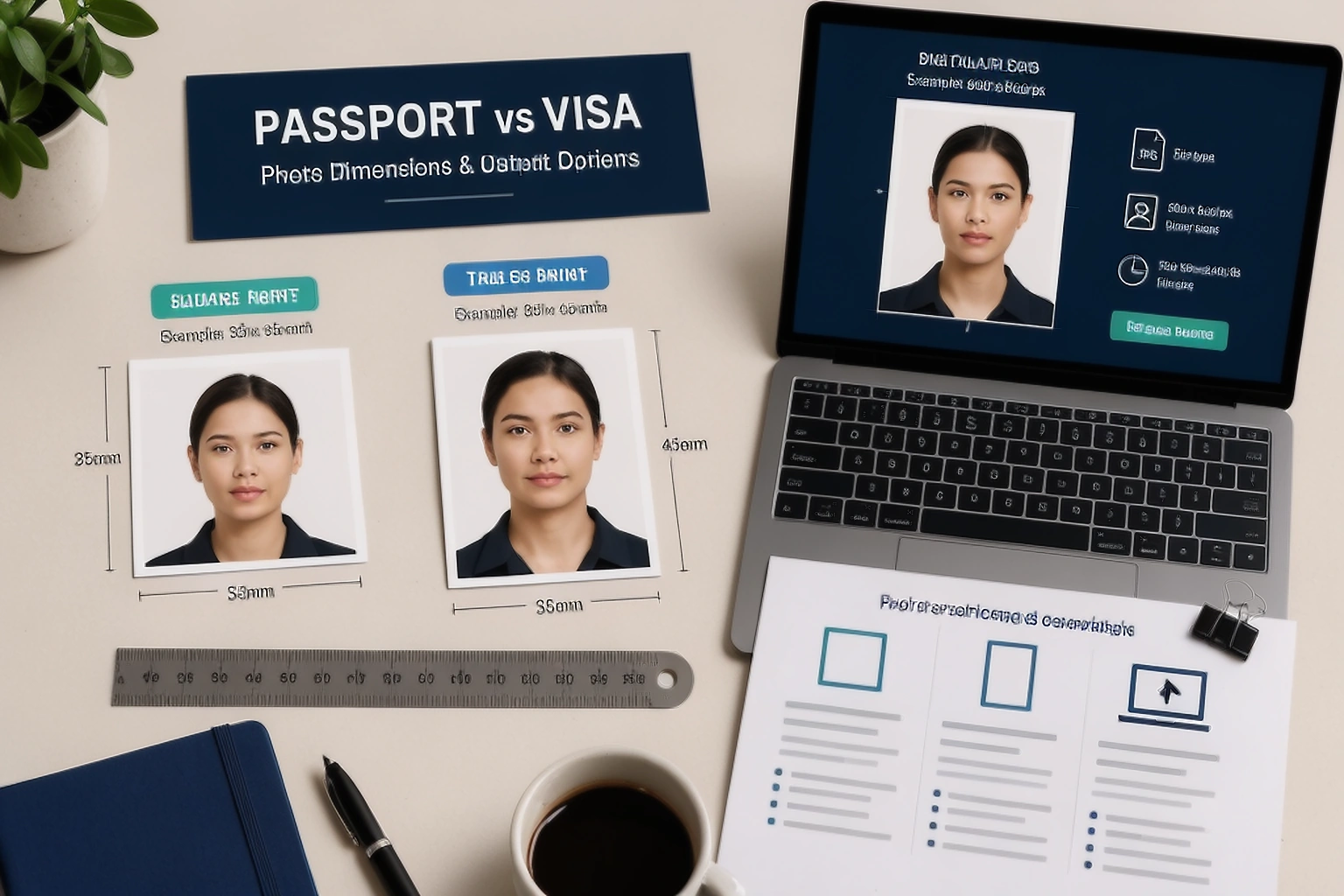
The same country can use different photo workflows
A passport application can ask for a printed photograph while a visa form from the same country asks you to upload a digital image. Another visa route can collect the facial image at a biometric appointment instead of asking you to bring a prepared file.
For a United States DS-160 nonimmigrant visa application, the online form instructs applicants to upload a digital image. The Department of State digital requirements specify a square image from 600 × 600 to 1,200 × 1,200 pixels, JPEG format and a maximum file size of 240 KB. Some embassies and consulates also ask applicants to bring a printed photo to the interview, so the local instructions still matter.
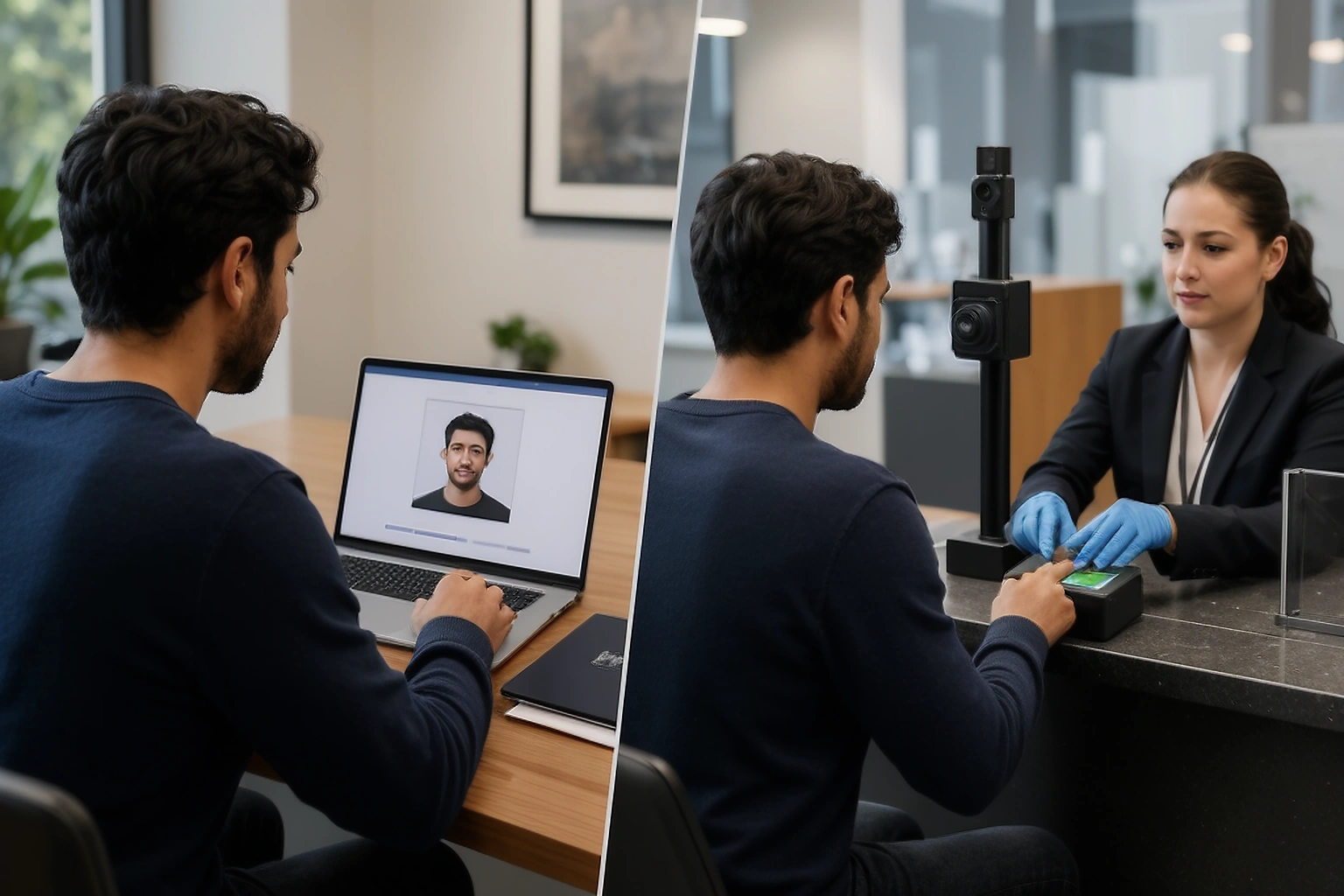
For UK immigration, the route can involve a visa application centre or a UK Immigration: ID Check app. The appointment guidance says staff take a digital photograph and scan fingerprints when biometric information is collected. That is a different task from preparing two printed passport photos at home.
Real examples of passport and visa photo differences
These examples show why the phrase “visa photo size” needs a country and route beside it. They are comparison points, not a replacement for the current page handling your application.
| Route | Passport example | Visa or immigration example |
|---|---|---|
| United States | Printed passport photo: 2 × 2 inches (51 × 51 mm) | Many visa routes use 2 × 2 inches; DS-160 digital files have separate pixel, JPEG and 240 KB rules. See the visa guidance. |
| Canada | Passport photo: 50 × 70 mm | Temporary resident visa photo: frame at least 35 × 45 mm. See the published TRV specification. |
| United Kingdom | Printed passport photo: 35 × 45 mm; the photo must have been taken in the last month | Many visa routes collect a digital facial image through a biometric process; the exact route tells you whether to attend, use an app or upload an image. |
| Schengen area | There is no single Schengen passport photo standard; passport dimensions belong to each national authority | Schengen visa photographs are part of the biometric identifier rules under the Visa Code and ICAO standards; the application can be scanned or taken at submission. |
The Schengen example needs careful wording. The Schengen Visa Code sets biometric requirements, but it does not create one universal passport photograph size for every national passport. Check the consulate or visa centre handling the exact application.
Similar dimensions do not mean the files are interchangeable
United States passport and visa photos can share the same printed 2 × 2-inch dimensions and many of the same visible rules. That does not make every file interchangeable. A DS-160 upload adds a square pixel range, JPEG requirement and 240 KB maximum, while a printed interview photo has a physical paper requirement.
Format, digital dimensions, delivery method, photo age and local consulate instructions can still separate the two applications. Treat a shared size as one matching point, not as permission to upload the same export everywhere.
What should you compare before reusing a photo?
Put the two application pages side by side and start with measurable requirements. Then compare the details that affect whether the image still represents you accurately.
- Physical or digital dimensions, including the aspect ratio and head measurement.
- Photo age and whether your current appearance still matches the source.
- Background, head position, expression, glasses and other visible requirements.
- Digital upload, printed delivery or biometric capture instructions.
If one point differs, do not assume the first output can be submitted again. Return to the clean original only when the new authority permits the same source, then prepare the new output for that application.
A photo can have the right size and still be too old
Photo age is easy to overlook because a file does not show its application history on the screen. A size match does not cancel a recency rule. The United States visa guidance says the photo should be taken within the last six months. UK printed passport guidance says the photo must have been taken in the last month.
Check the date before spending time on a crop. If the photo is outside the route’s age limit or no longer reflects your appearance, preparing a technically perfect export will not solve the real problem.
Example photo age requirements
| Application example | Published age rule | What it means |
|---|---|---|
| United States visa | Taken within the last 6 months | A correct crop can still be too old for the visa route |
| United Kingdom printed passport | Taken in the last month | A passport route can use a shorter age window than another application |
A practical workflow for passport or visa photos
Start on the application page rather than inside an editor. Identify the country, passport or visa category, and the submission route. Write down the physical or digital dimensions, photo age, background, file format, size limit and delivery method that apply.
Keep the clean original separate
Use the camera file or the best original source available. Do not begin with a screenshot, messaging app copy or a small export from an earlier application.
Prepare one output for the current route
Set the crop and dimensions first. Then follow the format, file size or print instructions for the application you are submitting now.
Check visible detail and saved properties
Review the face, background and crop, then open the downloaded file and confirm its dimensions, format and file size.
Follow the authority’s capture instructions
If the visa route asks for biometrics or a live facial image, attend or use the stated process instead of substituting an older prepared photo.
PassportPhotoBox can help organise supported dimensions and measurable file requirements. Keep the official application open because the receiving authority decides whether the final result is acceptable.
Can you use the same photo for a passport and visa?
Sometimes the same original photograph can support both applications. That only works when each authority accepts the source, the photo remains within both age limits, your appearance has not changed enough to matter, and the resulting outputs follow both sets of instructions.
The United States shows why this can be confusing: a 2 × 2-inch print can suit both a passport and many visa routes, but a DS-160 digital upload still has its own pixel, JPEG and file size requirements. Canada shows the opposite pattern: a 50 × 70 mm passport print should not be treated as the at least 35 × 45 mm temporary resident visa photograph.
If a route captures the facial image as part of biometrics, the question is not whether your old passport print fits. The question is whether the authority asks you to provide a new live image at the stated step.
Reuse the source only if all of these are true
- The photograph is inside the new application’s age limit.
- Your current appearance still matches the source clearly.
- The new authority permits that source and submission method.
- The new output does not require a prohibited alteration.
Example: one US photo, two different application routes
Imagine you have a clear 2 × 2-inch passport photo and now need a United States nonimmigrant visa. The original portrait can be a useful starting point because many US passport and visa photo rules use the same printed dimensions and similar face framing.
The DS-160 route still needs a digital image. The Department of State’s digital requirements specify a square file from 600 × 600 to 1,200 × 1,200 pixels, in JPEG format and no larger than 240 KB. If the upload does not pass the form’s check, the confirmation page can show an X where the photo should appear. Follow the embassy or consulate instructions for any printed photo needed at the interview.
The lesson is simple: the original can suit both applications, but the final files and submission steps can differ. Prepare the visa export from the clean source and check the file that the DS-160 form receives.
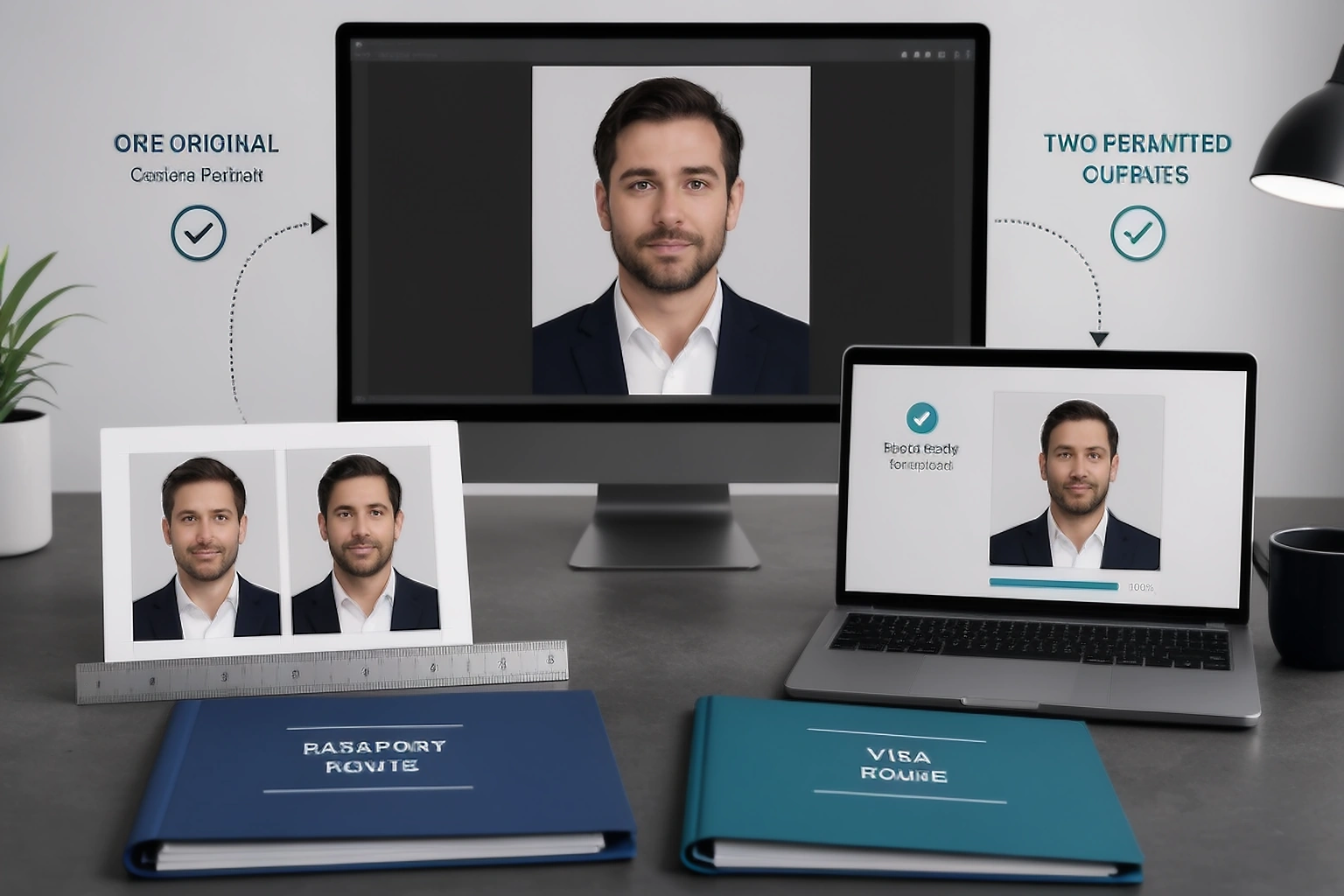
Do not edit one photo just to force it into another requirement
A photograph that worked for one application should not be stretched, heavily cropped or altered simply because another portal expects a different shape. Changing the canvas is not the same as capturing a new photograph, and some authorities place restrictions on digital alteration.
The better approach is to return to the clean original image when the second application permits it and prepare the required output from there. If the new requirement cannot be produced without changing facial detail or using an edit the authority prohibits, take a new photograph instead.
This distinction protects both image quality and accuracy. Repeatedly transforming a small exported copy can make the face softer even before you reach the second application.
Some visa photos are taken during the application process
A visa photograph is not always a file that you prepare at home and upload. Modern immigration systems can combine the facial image with biometric enrolment, which changes the whole workflow.
UK Visas and Immigration guidance says applicants who need biometric enrolment provide fingerprints and a photograph at the relevant service point. Staff take the digital facial image during the appointment. Current Home Office guidance also describes routes where applicants provide a new live digital facial image for an eVisa or Electronic Travel Authorisation instead of uploading an older passport photograph.
The Schengen Visa Code treats the photograph as part of biometric identifiers and allows it to be scanned from the application or taken when the application is submitted. This is why a website should not tell every visa applicant to prepare a fixed number of printed photos without first identifying the actual visa route.
Why “UK visa photo size” can be a misleading question
A person searching for a UK visa photo size can expect a simple millimetre measurement, but many UK immigration routes collect the applicant’s facial image through biometric enrolment. For some eVisa and Electronic Travel Authorisation processes, Home Office guidance requires a new live digital facial image instead of a previously taken photograph.
The useful first question is how the particular UK immigration route collects your facial image, not only what size a traditional visa photograph should be. The current application instructions tell you whether to attend a centre or use the UK Immigration: ID Check app.
For Indian applicants, the destination still decides the visa photo
An Indian passport photograph does not become the default photograph for every foreign visa application. The passport is issued under Indian passport rules, while a United States, Canadian, UK or Schengen visa follows the receiving authority’s immigration process.
Passport Seva material also shows why the application route needs attention. For applicants below four years of age at Passport Seva Kendras, the official guidance asks for a recent 4.5 × 3.5 centimetre photograph with a white background, while overseas Indian passport services can have separate ICAO compliant photograph guidance. If you are applying for a foreign visa from India, use that destination’s visa instructions rather than assuming your Indian passport photo size is the required visa size.
Read the Passport Seva photograph guidance for the relevant Indian passport route.
Check the file against the application you are submitting now
A photograph saved for an earlier passport application can have a sensible filename and still be wrong for a visa portal. Open the actual file and compare its dimensions, format and file size with the current application instead of relying on how it looks in the preview.
This is particularly important for digital visa uploads. The United States DS-160 image has a square pixel requirement and a 240 KB maximum file size. A 2 × 2-inch passport print can therefore look visually correct without automatically giving you the digital file the visa form expects.
For printed applications, check the physical photograph after printing because printer scaling can change the final dimensions. Measuring one test print is more reliable than assuming that an image shown at the correct size on screen will come out at the same size on paper.
Keep passport and visa versions clearly separated
If the same original photograph is used for more than one application, save each final output under a name that identifies the document and route. A folder containing files called `final`, `newfinal` and `final2` makes it unnecessarily easy to upload the wrong version.
Keep the current official requirement page with the final file until the application is complete. If an upload fails or the photograph is rejected, save the exact error wording before changing anything because a file size problem needs a different response from a composition or biometric warning.
Once the application is finished, remove identity photographs from shared devices or temporary storage locations where they no longer need to remain.
Three common assumptions that cause confusion
One common mistake is assuming that “passport size photo” describes a global standard. It does not. The phrase is used casually for a small identity portrait, while official dimensions vary by country and application.
Another mistake is assuming that the photo already printed inside a passport can simply be copied for a visa. Authorities normally expect a separate photograph or live facial image that meets the current application rules. A scanned image taken from another identity document can also be prohibited. United States visa guidance, for example, says photos copied or digitally scanned from official documents are not acceptable.
The final mistake is comparing only millimetres. A digital application can also care about pixel dimensions, JPEG format and maximum file size, which means two visually identical photographs can behave differently at upload.
sometimes asked questions
Are passport photos and visa photos the same?
Sometimes their specifications overlap, but there is no universal rule saying they are the same. The receiving authority decides the dimensions, photo age and submission method.
Can I use my passport photo for a visa?
Possibly, if the visa authority accepts the same source photograph and it still meets the visa's current size, recency and submission requirements. Acceptance of the photograph for a passport does not prove that it satisfies the visa application.
Is a visa photo bigger than a passport photo?
Not necessarily. In the United States, printed passport and many visa photographs are both 2 × 2 inches. In Canada, a passport photograph is 50 × 70 millimetres while the published temporary resident visa specification uses a photograph at least 35 × 45 millimetres.
What size is a US visa photo?
The United States Department of State uses a 2 × 2 inch printed photograph for relevant visa applications. A digital visa image must be square, between 600 × 600 and 1,200 × 1,200 pixels and no larger than 240 KB.
Do all visa applications require you to upload a photo?
No. Some applications request a digital image, some require printed photographs and others capture the facial image during biometric enrolment. The application route determines what you need to provide.
Can I use the same digital file for passport and visa applications?
Only when both applications accept its dimensions, format, recency and other requirements. Even when the same original photograph works for both, the exported files can need different dimensions or file sizes.
Which requirement should you trust?
Use the government department, passport authority, immigration authority or embassy handling the application as the final source. Visa application centres can also publish operational instructions for the applications they process, but read those in the context of the official government route.
PassportPhotoBox country and document profiles can make the requirements easier to prepare and compare, but they do not replace the issuing authority. Requirements can change, and the government handling the application makes the final acceptance decision.
Official guidance checked for this article
The examples in this article were checked against primary government and legal sources on 31 August 2026. Recheck the live application page before submitting because routes and requirements can change.
Prepare the photo for the application you actually need
Select the country, document and application type before preparing the output. PassportPhotoBox can help organise supported dimensions and file requirements, but compare the final result with the current authority instructions before submitting it.