A page that looks handwritten is not an original handwritten page
Text to handwriting software changes the presentation of typed words. It does not turn a typed document into evidence that someone physically wrote every sentence. That difference matters when a page is being used as a note, a visual draft or a design asset versus a declaration, school response or application that asks for an original handwritten submission.
Start by naming the job honestly. If the reader needs a page that feels personal and remains readable, a generated handwriting style can be useful. If the reader needs to know that a person wrote the words by hand, this is the wrong substitute.
Start with the purpose of the page
A page made for a personal planning board can have different design needs from a page that will be printed and handed to another person. Decide who will read it, whether the words need to be copied later and whether the recipient has given a rule about handwriting.
For a draft or creative mockup, a preset can add warmth without taking time to write a full page. For a permitted personal note, your own sample can make the visual result feel closer to your normal writing. For an official declaration or assessed work, read the instruction before opening the generator. The visual effect should never hide the way the page was made.
- A draft, mood board or design sample can use a handwriting style as presentation.
- An original handwritten response, declaration or consent needs the act the recipient asked for.
- A page that will be printed needs readable spacing, margins and a stable export.
- A page containing private words deserves the same care as the source document.
Personal sample and preset style are different starting points
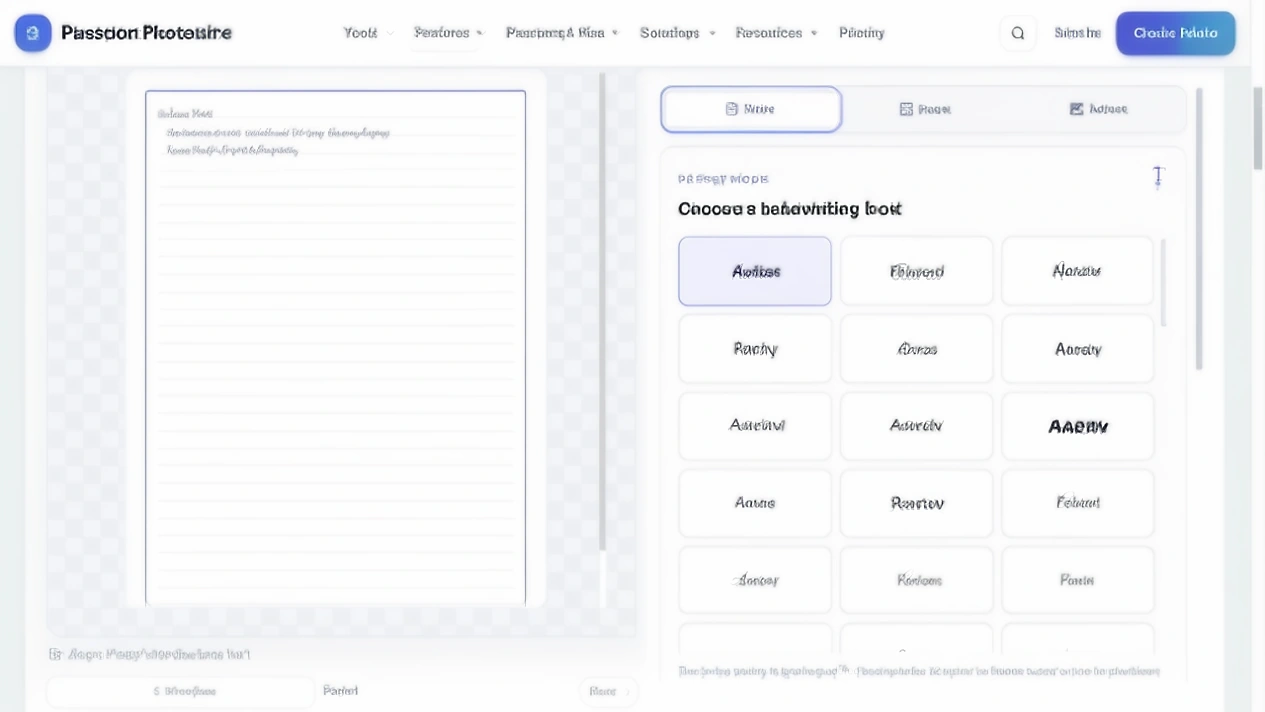
PassportPhotoBox exposes two modes. Use my handwriting works from a natural page and alphabet template that you upload. Text to handwriting uses preset styles without those uploads. A personal sample needs clear letters and a clean reference; a preset is quicker when you want a consistent handwriting appearance. The live tool has 72 variations, so compare a few with your actual words.
Prepare the text before styling it
Proofread names, dates, headings, punctuation and paragraph breaks before comparing styles. A beautiful page with one wrong number still needs correction. Keep an untouched copy of the typed source so you can compare it when a line wraps differently.
The tool can import a text document or PDF when the text is selectable. A scanned PDF made only from page pictures needs OCR or pasted text first; the renderer cannot recover a text layer that the scan does not contain.
Paragraph flow matters more than a clever style
Long text automatically flows across pages, so line endings and page breaks become part of the reading experience. A heading stranded at the bottom, an awkwardly split sentence or an almost empty last page can make the result feel unfinished.
Use natural paragraphs instead of a line break after every sentence. After generating the first page, read its last three lines and the next page's opening. Keep names, dates and list headings with the information they describe.
Use page design to support reading
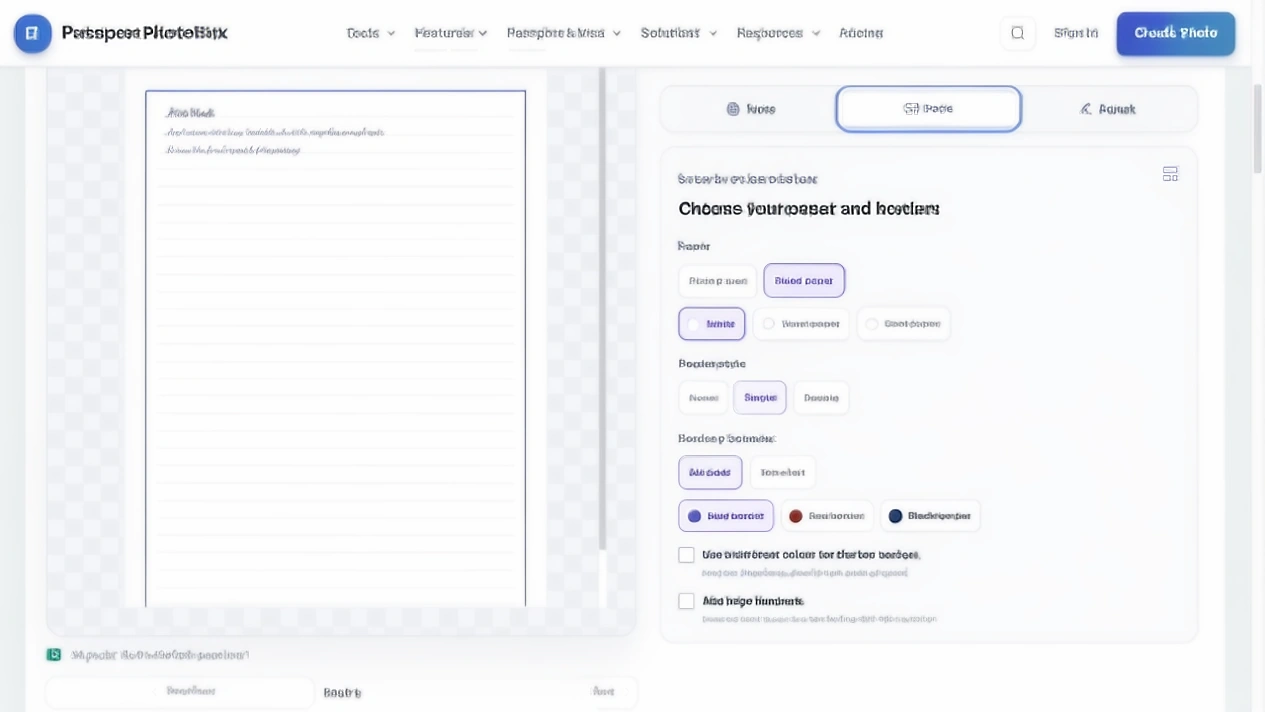
Open the Page tab for Plain paper or Ruled paper, the White, Warm paper or Cool paper colours, and None, Single or Double borders. You can choose All sides or Top + left, pick a border colour and add page numbers. A border can compete with a narrow paragraph, while numbers help a set of multiple pages stay in order.
Small text and tight spacing create fatigue
The Adjust tab exposes Text size, Line spacing, Natural variation and navy, black, blue or red ink. Variation can stop every line feeling stamped, but too much can make letters collide. Larger text can add a page; tighter spacing can make reading harder.
Change one control at a time, then read the page at normal zoom.
Punctuation and special characters need their own check
Handwriting styles are easy to judge by their large letters. Small marks are where errors become visible. Check apostrophes, quotation marks, brackets, commas, decimal points, slashes and hyphens. Names with initials and dates deserve the same attention.
Read a paragraph that contains numbers and punctuation before exporting the whole document. If a dot disappears into the line or a closing bracket looks like another mark, choose a clearer preset or change the spacing. Do not silently rewrite a name or date to make the style fit.
Printing changes the final judgment
A page that looks comfortable on a bright screen can feel faint after printing. Export one page at Actual Size or 100%, check the paper setting and inspect the margins and ink contrast.
If the page stays digital, open the saved file in the viewer used by the recipient. A preview screenshot can hide page dimensions and export problems.
Private browser processing is not a promise about every copy
The live tool describes itself as a private text to handwriting tool that runs in your browser and labels the workflow Local processing. That covers the browser task, not every copy created afterward.
The source or export can still appear in a download folder, cloud backup or message attachment. Keep both in a controlled location, remove abandoned tests and read the current product privacy information.
Two honest uses, and one that is not
Project notes
Type a short heading, two paragraphs and a four item list. Select a preset, use ruled paper and add page numbers only for a set of multiple pages. Read the first page at normal size before exporting.
Study aid
Render your revision notes as a page that you can annotate after printing. Keep the typed source beside it so a date or formula can be corrected without guessing what the style changed.
Not a replacement for an original declaration
If a recipient asks for words written by hand, write them as requested. A convincing generated page still misses the physical act that forms part of the instruction.
Check every generated page before export
Read the complete set in order. The tool gives you page navigation and shows the current page count, but the person exporting the document still has to catch a clipped line or an empty page.
- The first and last lines of every page are visible.
- Headings, lists, dates and punctuation stay with the words they describe.
- The selected ink colour and paper treatment remain readable at normal size.
- The downloaded file opens correctly and contains the page count you expected.
Create pages with a handwriting style using PassportPhotoBox
The live Text to Handwriting page keeps personal references, preset styling, page design and fine adjustment in separate tabs. This is the current path for a preset example:
- 1.Open Text to Handwriting and select Text to handwriting under the preset mode.
- 2.Enter or paste your text in the box labelled Type the text you want to write by hand…, or use Choose text or PDF for selectable source text.
- 3.Choose a style from Choose a handwriting look and compare the A4 preview with the real words.
- 4.Use the Page tab for paper, borders and page numbers, then use Adjust for text size, line spacing, natural variation and ink.
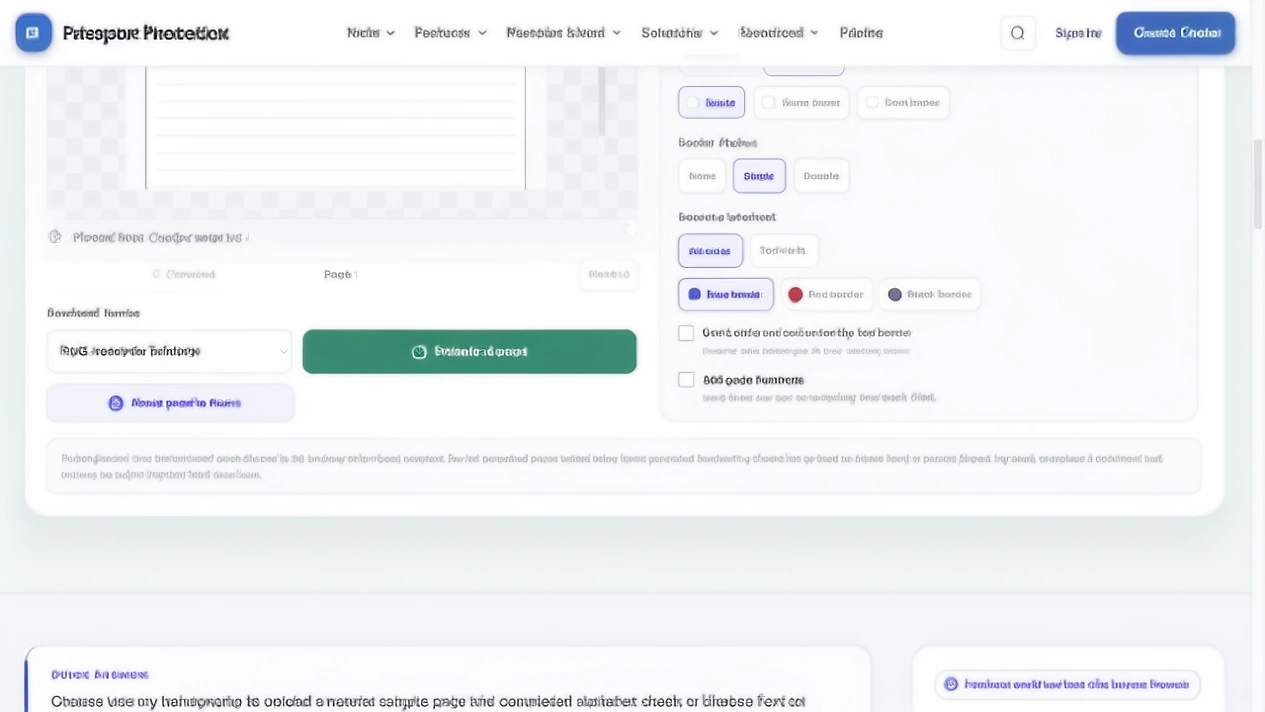
- 5.Use Previous and Next to inspect the page sequence and read the final page before export.
- 6.Choose a format from Download format, then use Download page. The separate Apply page to PDF action is available when that workflow fits the task.
Check the generated pages before you use them
Use harmless sample text and inspect the parts that change the finished page. This gives you more useful information than a style screenshot alone because it lets you check text flow, page design and export.
| Test input | What to inspect | What the current tool shows |
|---|---|---|
| Short name and two paragraphs | Style preview and reading at normal size | The preset gallery and A4 preview are available in the live tool. |
| Long text | Page count, final line and page navigation | The tool states that long text flows across pages. |
| Selectable PDF or text file | Import path and source wording | The page offers Choose text or PDF for local text import. |
| Scanned PDF made only from images | Whether words are available to the renderer | The tool states that OCR or pasted text is needed first. |
| Ruled paper with a border and page numbers | Contrast and page sequence | The Page tab exposes those paper, border and numbering choices. |
| PNG, JPG, WebP and PDF export choices | Saved file opens and matches the destination | The export menu exposes all four formats in the current interface. |
Text to handwriting questions
Is a page made with text to handwriting truly handwritten?
No. The words are rendered by software in a handwriting style. The result can look personal, but it does not show that a person physically wrote or approved each line.
Can I use my own handwriting sample?
Yes. PassportPhotoBox has a Use my handwriting mode for an uploaded natural page and alphabet template. Keep the use honest and do not treat generated pages as proof of a physical act.
Can the tool create pages from a PDF?
It can import selectable text from a text document or PDF and render that text as pages. A scanned PDF made from page images with no text layer needs OCR or pasted text first.
Which export format should I choose?
Use PDF when the document needs a file organised by page, PNG when you need a sharp page image, and JPG or WebP when a smaller image file is enough. Open the saved file before sending it.
Can I use generated handwriting for school or an application?
Check the recipient's instruction first. If the task asks for an original handwritten response, declaration or consent, generate nothing in its place. A visual draft or explicitly permitted design use is a different situation.
How do I stop a long paragraph from looking crowded?
Break the source into sensible paragraphs, then adjust Text size and Line spacing in the tool. Check the final page at normal size because a large preview can hide cramped spacing.
Create a readable page with a handwriting style
Prepare the words first, choose the visual treatment second and inspect the saved export before you share it.
Let the purpose decide whether the style belongs
Text to handwriting is most useful when presentation is the problem: a typed page needs a warmer visual treatment, a study aid needs a personal feel or a design needs a handwritten layer. The process becomes safer when the source text stays intact and the exported page is checked like a real document.
When the recipient needs an original handwritten act, use the original method. A page can look personal without pretending to be something it is not.
Sources checked for this guide
The tool names and controls described here come from the current PassportPhotoBox interface. Confirm the live instruction for the document, country and recipient.